
Photo Editing for Jewelry Brands
Clean, color-accurate jewelry photography that keeps metal, gems, and fine detail looking exactly as they should — ready for marketplace listings or your own store.
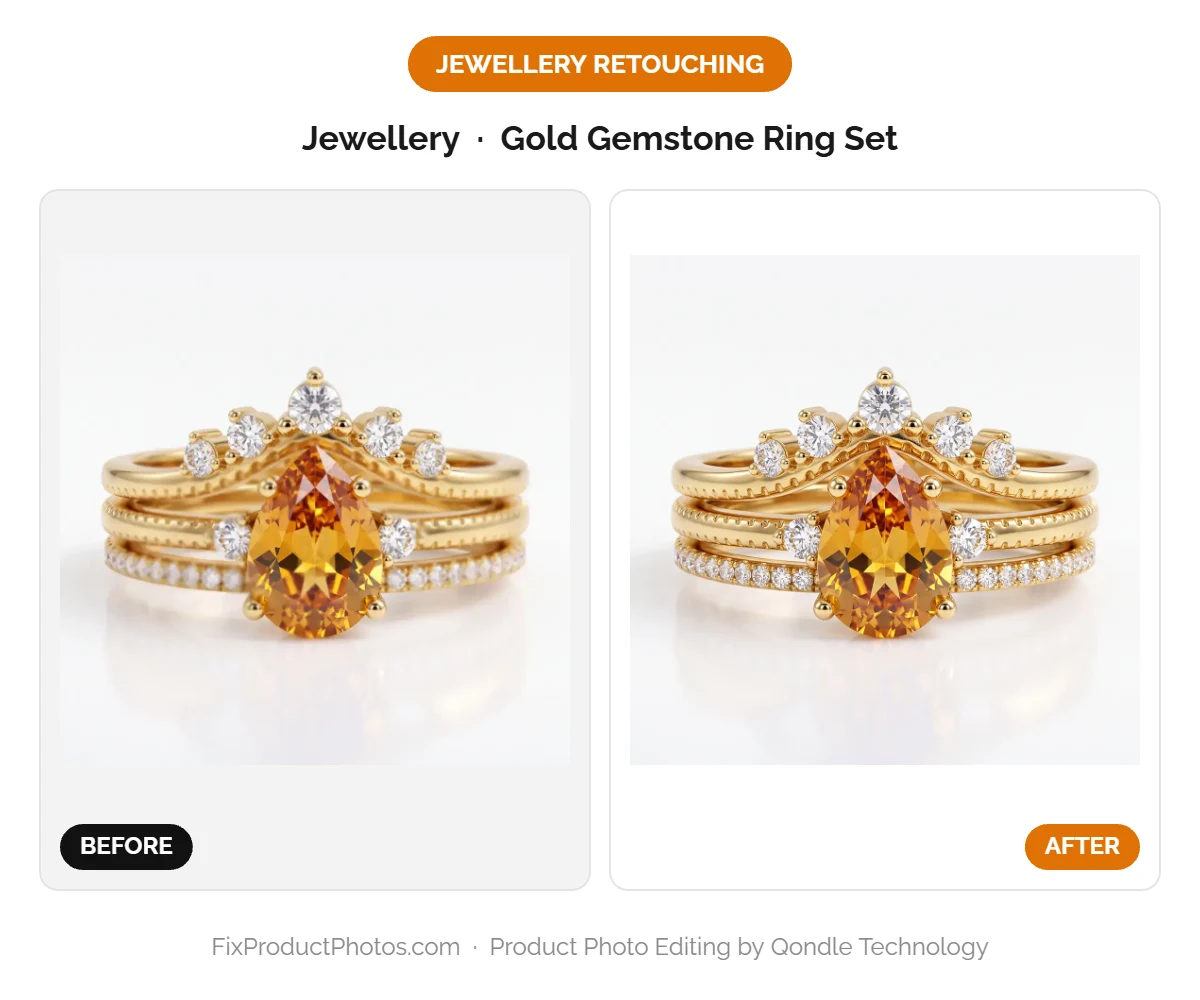
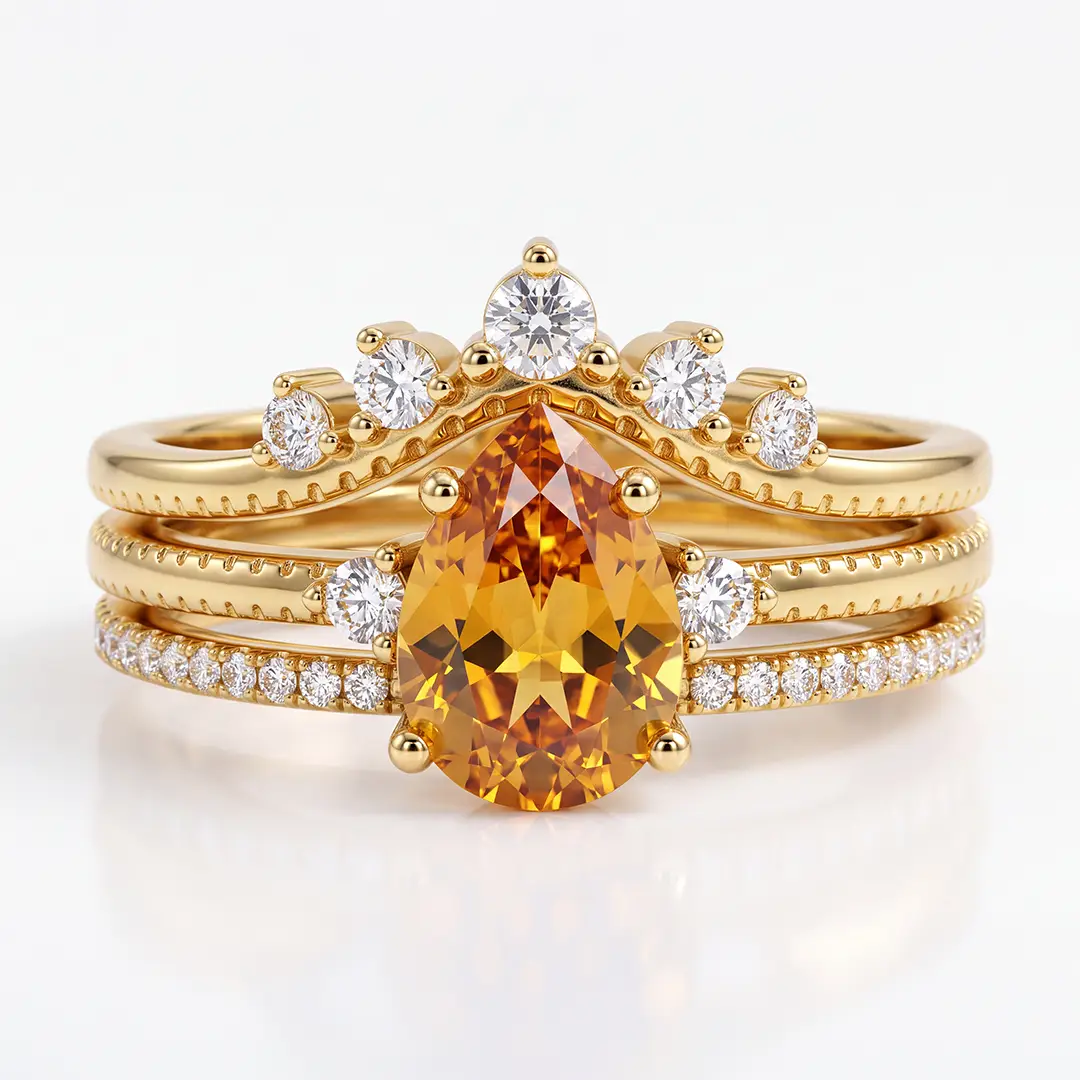
Before & After: Jewelry Edits
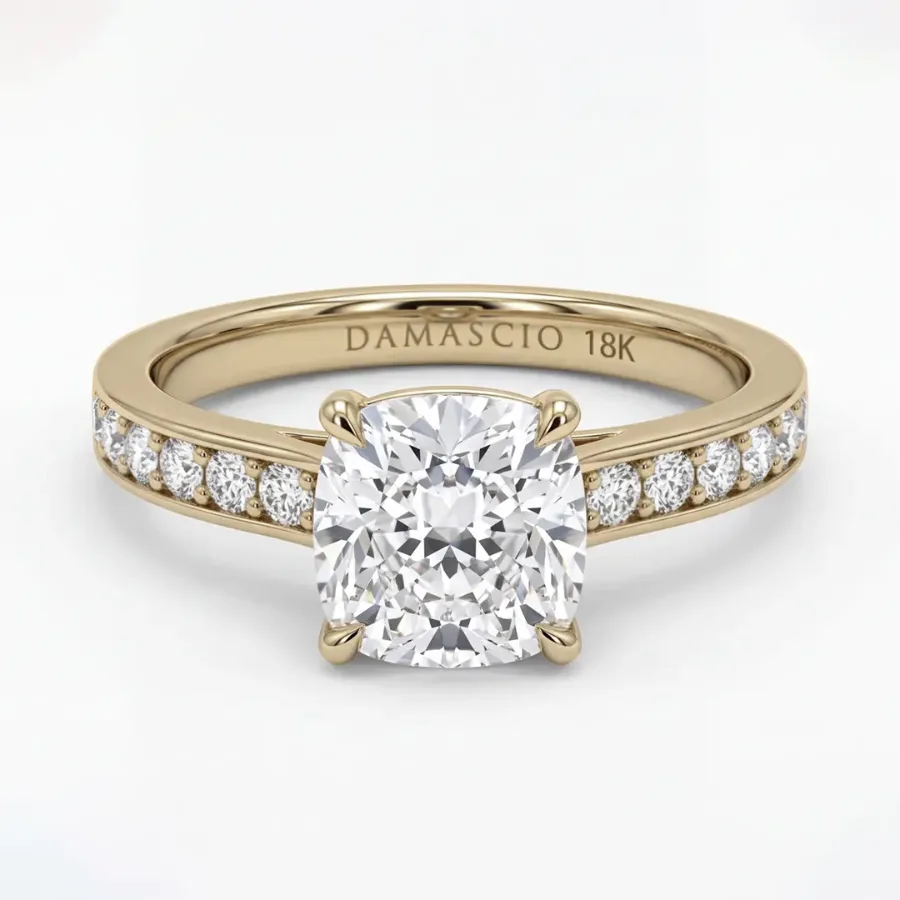
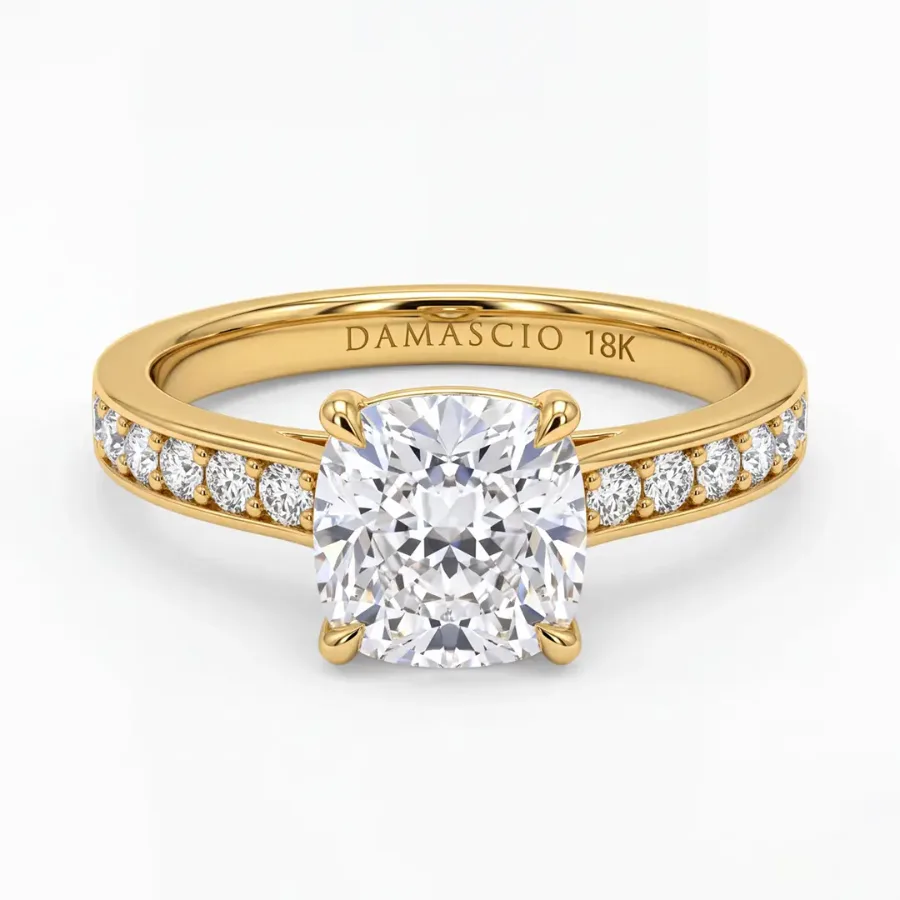
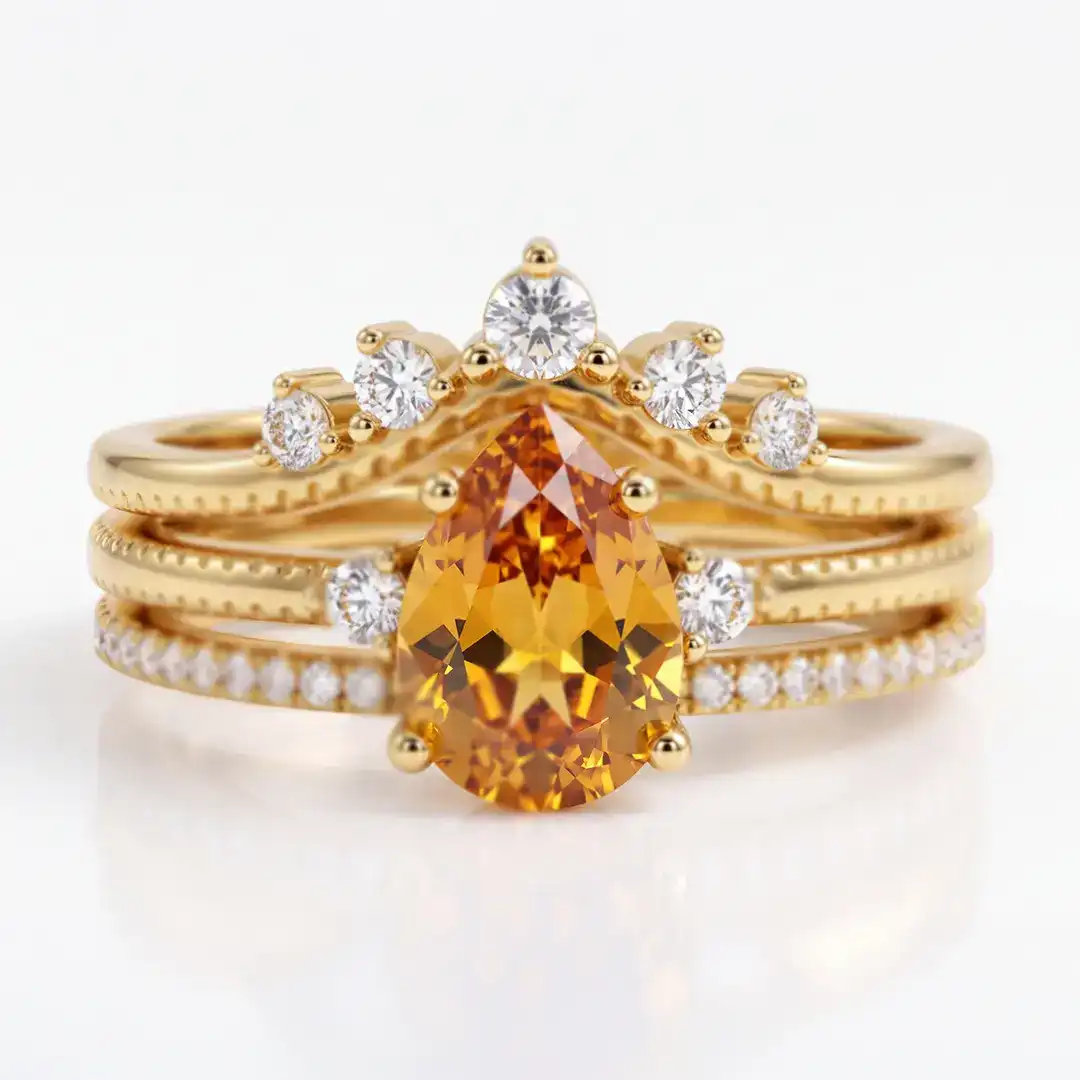
Rings and fine jewelry retouched for clean metal, bright stones and sharp detail.
Why Jewelry Photos Need a Specialist’s Eye
A ring zoomed to 300% hides nothing. A scarf at the same zoom barely changes.
Think about how people shop for rings, earrings, and watches online. They zoom in, a lot. On a dress, a loose thread gets lost once the photo is full size. On a ring, that same flaw sits right in the middle of the frame the moment a shopper pinches to zoom. This is why jewelry photo editing is its own skill, not regular product editing with a few extra steps tacked on.
A camera lens does not see jewelry the way your eye does. It picks up every fingerprint on a polished band, every speck of dust caught in a prong, and every stray reflection of the studio light bouncing off gold or silver. None of this means the piece is dirty or badly made. It just means raw jewelry photos almost always need cleanup before they are ready to sell.
This is also why generic background removal is not enough on its own. Cutting a product out with a clipping path gets the piece off a messy backdrop, but it does nothing for a scratched band or a gold tone that reads slightly green under studio lights. Jewelry needs a second, slower pass from an editor trained on metal, stones, and sparkle.
What Jewelry Photography Needs
Small products, big scrutiny — jewelry photos get zoomed in more than almost any other category.
Dust, Scratches & Reflections
Metal and polished stones pick up every speck of dust and stray reflection under studio lights. We clean these up by hand without flattening the material’s natural shine.
True-to-Life Color
Gold tones, gemstone color, and metal finish need to match the real piece — color drift between shots in the same listing is one of the fastest ways to lose a buyer’s trust.
Marketplace-Compliant Backgrounds
Amazon, Etsy, and most jewelry marketplaces require pure white or specific background formatting — we clip and format to each platform’s spec.
Zoom-Ready Resolution
Buyers zoom in on clasps, settings, and engravings before buying. We upscale and sharpen so detail holds up at full zoom, not just thumbnail size.
Common Jewelry Photo Problems We Fix
If you have spotted any of these in your own product shots, you are not alone. They show up in almost every batch we edit.
Dust Specks & Fingerprints at Zoom
Even a clean studio has dust in the air. It lands on the piece between shots and shows up the moment someone zooms in on the listing. We paint it out by hand.
Micro-Scratches on Polished Bands
A ring that gets handled during the shoot often picks up tiny scratches a camera catches easily, even ones you cannot see with the naked eye. We polish these out without making the metal look plastic.
Earrings & Pairs That Do Not Match
One earring sits at a slightly different angle, or catches more light than the other. We balance brightness, angle, and sharpness so a pair actually looks like a pair.
Reflections of the Camera or Studio
Highly polished gold and silver reflect whatever is in front of them, including the photographer. We remove these distractions while keeping the piece’s natural shine intact.
Gemstone Color Cast
Studio lights can push a diamond yellow or make a sapphire look too dark. This is the heart of gemstone color correction: getting the stone back to the color it actually is in person.
Metal Tone Drift Across a Catalog
If you sell 200 rings in the same 14k gold, they should all look like the same gold. Lighting changes between shoots can make one batch look warmer than another. We match tone across your whole catalog.
Flat or Missing Sparkle
Some raw jewelry photos come out of the camera looking dull, with no life in the stones. We bring back natural-looking sparkle on facets and polished edges, without adding a fake glow on top.
Background Shadows & Color Bleed
A colored backdrop or surface can tint the edges of a silver or white gold piece. We clean this up so the product’s true color reads correctly against any background you use.
Metal Tone & Gemstone Color Accuracy
Gold is not just “gold.” Yellow gold, white gold, and rose gold each need their own careful color work.
Camera sensors and studio lights do not always see metal the way your eyes do. Rose gold can come out of a shoot looking too orange, almost like copper. White gold can look dull grey, or pick up a blue tint from cool lighting. Yellow gold can swing warm or pale depending on the bulb used that day. We check metal tone against the actual product, not just against what looks nice on a screen, so a ring that photographs too warm doesn’t disappoint a customer when the real piece arrives looking different.
Gemstones need their own kind of care, too. A diamond should read clean and close to colorless, not yellow from warm studio lighting. A blue sapphire should keep its real depth of color, not turn washed-out or overly dark. Emeralds, rubies, and opals all behave differently under the same light, so we adjust each stone on its own terms rather than applying one blanket color fix to the whole photo.
This matters even more across a full catalog. If your rose gold collection has twenty pieces shot over three sessions, they all need to land on the same rose gold, not three slightly different shades of pink. We color-match across batches so your whole jewelry line looks like it was shot in one sitting, even when it wasn’t.
Services We Recommend
Pick what your catalog needs — every service starts with 3 free trial edits.
Background Removal & Clipping Path →
Pure white or transparent backgrounds, cut precisely around chains, prongs, and open settings.
High-End Retouching →
Dust, scratch, and reflection cleanup that preserves the metal’s real shine and texture.
Image Upscaling →
Sharper detail for zoom-heavy jewelry listings without a soft or artificial look.
Focus Stacking & HD Composition →
Merge multiple exposures so an entire piece — clasp to pendant — stays in sharp focus.
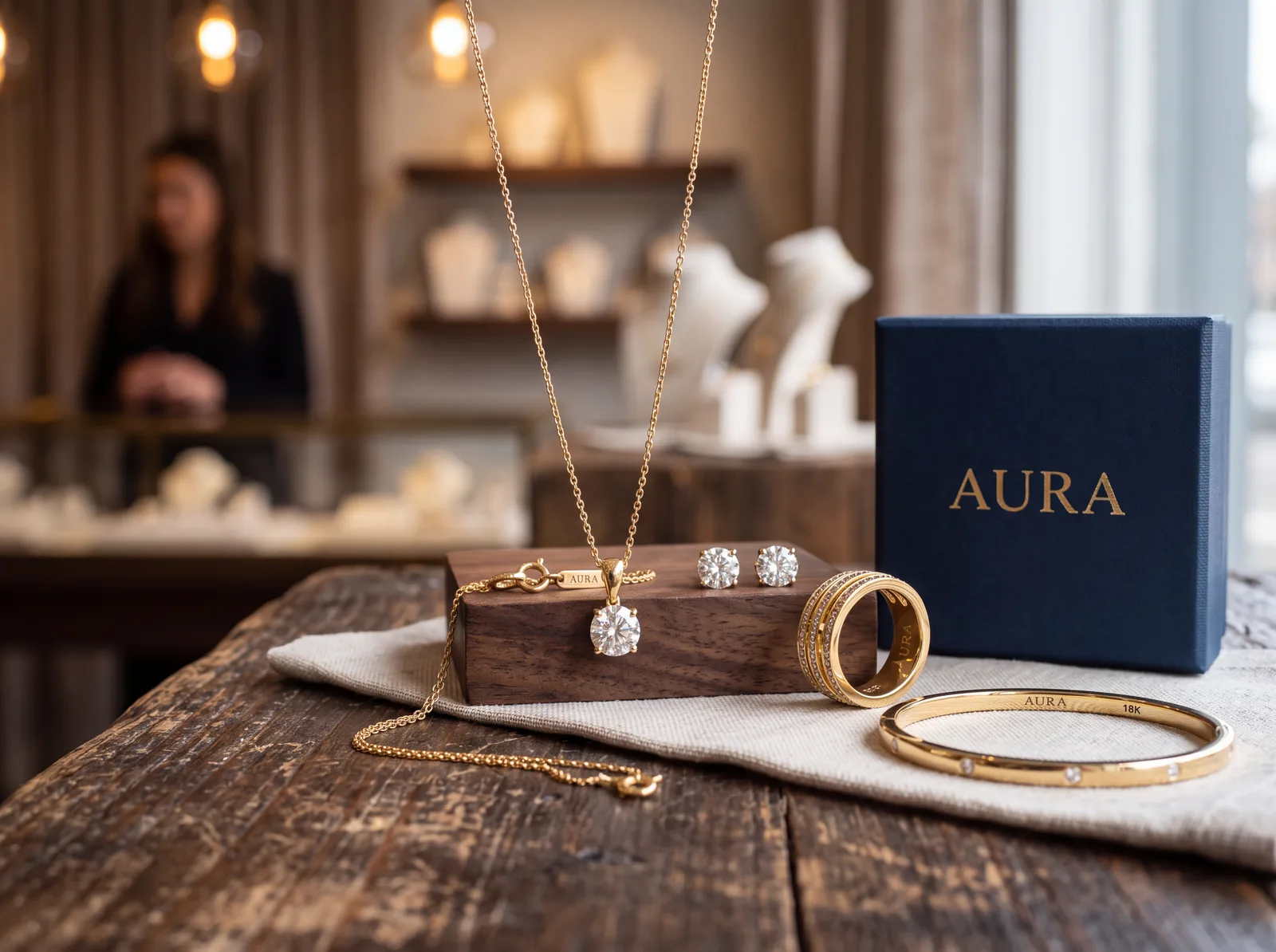
Jewelry Brand Photography We Handle
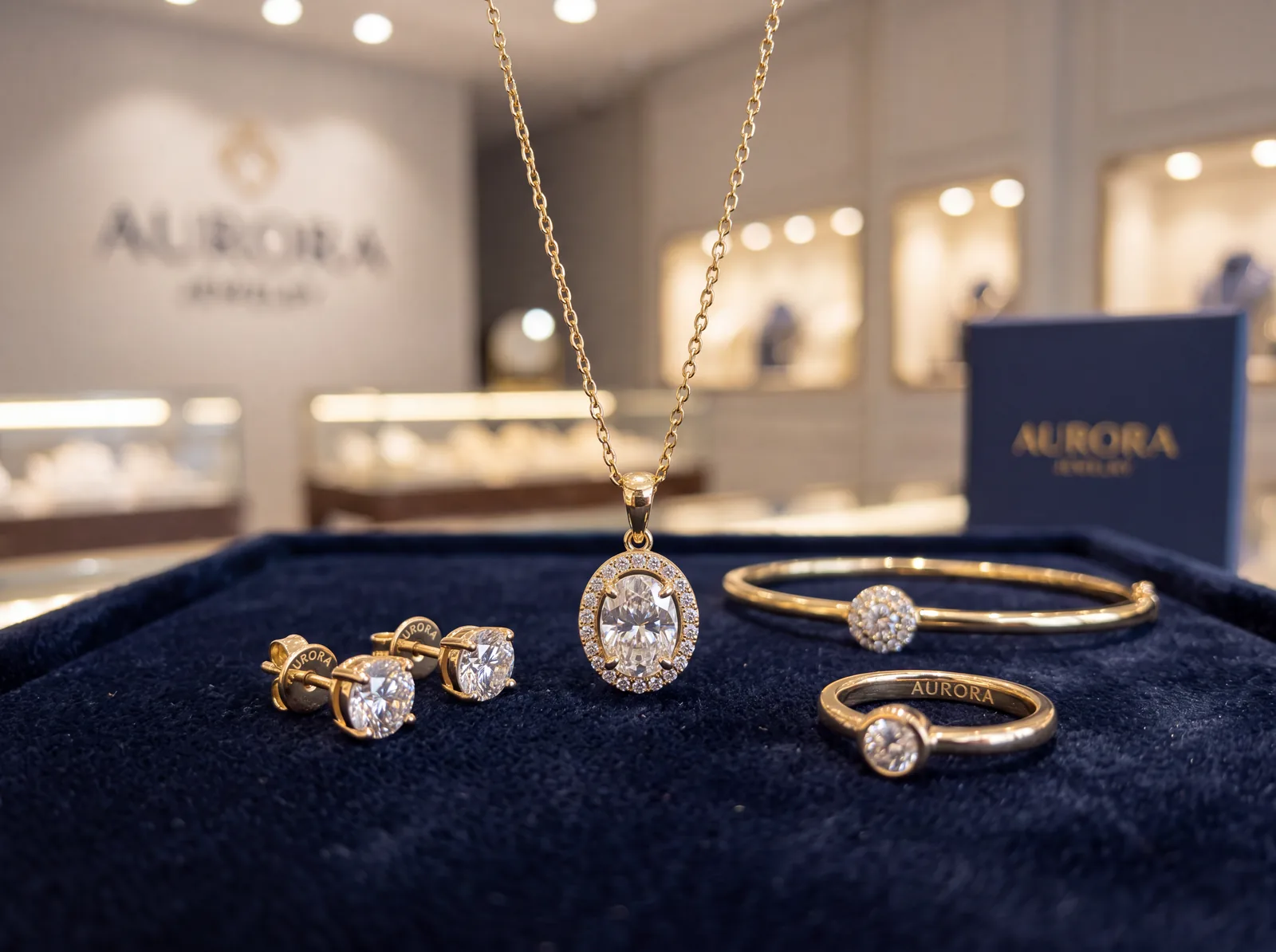
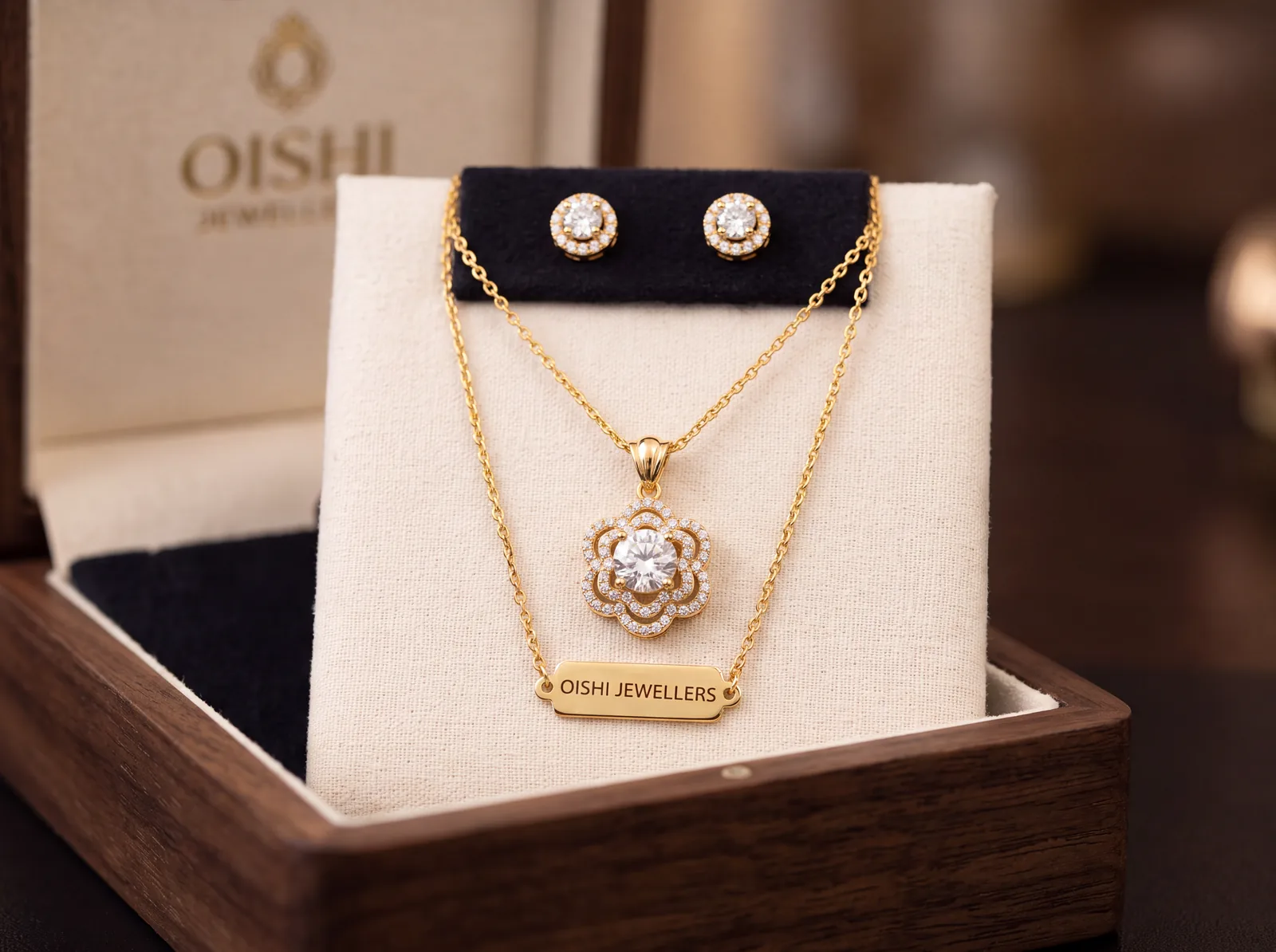
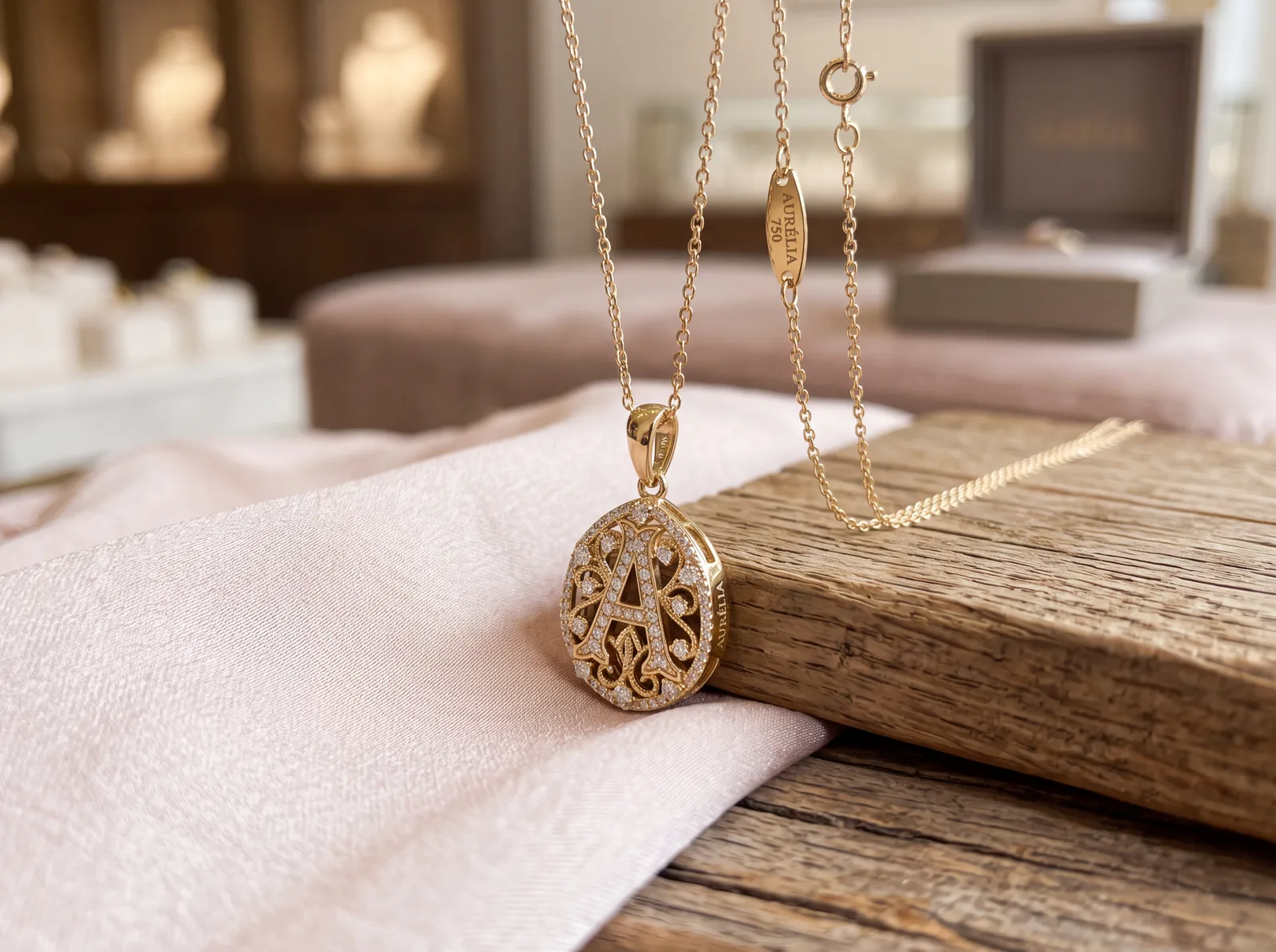
Studio jewelry photography retouched for sparkle, detail, and brand-ready presentation.
Why Choose FixProductPhotos?
Free Trial, No Commitment
See our quality before you pay a single dollar.
24–48 Hour Turnaround
Most orders delivered within one business day.
100% Satisfaction Guarantee
Unlimited revisions until it meets your standard.
Dedicated Editing Team
Real editors, not automated filters.
How It Works
Start Your Free Trial
Send us a few photos and see our editing quality firsthand.
We Edit It
Our editors work by hand, then a second editor checks every image.
Get Your Photos
Download finished, ready-to-use images — most orders ship within 24 hours.
Jewelry Photos for Every Marketplace
Each marketplace has its own rules. We know the ones that matter for jewelry sellers.
If you sell on Etsy, your photos can be a little more relaxed and lifestyle-driven, since handmade and vintage buyers often like to see a piece worn or styled. If you sell on Amazon, the main image needs a pure white background and strict crop rules, with almost no room for error. We build your images to match the platform you are actually posting to.
We also edit for eBay, Shopify, and Walmart stores. Selling on more than one of these at once? We can deliver the same edited images in different crops and backgrounds from a single order, so you are not paying for the same edit twice. Start with our free trial, or check our pricing page to see what a full batch would cost.
Helpful Guides From Our Editing Team
Practical, experience-based articles to help you shoot, prepare and list better product photos.
Frequently Asked Questions
Can you match the exact gold or gemstone tone in my reference shot?
Yes — send a reference and we’ll color-match to it as closely as the original photo allows.
Do you remove reflections without losing the metal’s shine?
Yes, this is done by hand, not with a blanket filter, so the piece still looks like polished metal rather than flat or plastic.
What resolution do you deliver for jewelry photos?
We deliver at the resolution you need for your platform, including upscaled files for marketplaces that require larger zoom images.
Can you format for Amazon, Etsy, and other marketplaces at the same time?
Yes — tell us which platforms you’re listing on and we’ll format each batch to that platform’s background and sizing rules.
Is the free trial available for jewelry photos specifically?
Yes — send 2-3 raw jewelry photos and we’ll return finished edits with no payment required.
How do you match gold and gemstone colors accurately?
We correct white balance on the metal first, then adjust each gemstone on its own, since a diamond and an emerald do not react to studio light the same way. The goal is always to match the actual product, not just to make the photo look pretty on screen.
Can you remove reflections from polished metal?
Yes. Polished gold, silver, and platinum reflect the studio, the camera, and sometimes the photographer. We remove reflections that do not belong in the shot while keeping the real shine and sparkle the metal is supposed to have.
How do you add sparkle without making jewelry look fake?
We only brighten highlights that are already there from real light hitting a facet or a polished edge. We do not paste on glow or glitter effects, because that tends to flatten the stone and make the whole photo look edited instead of real.
Can you format images for Amazon, Etsy, and other marketplaces?
Yes. Each marketplace has its own background and sizing rules, and we set up your files to match the one you sell on, whether that is Amazon, Etsy, eBay, Shopify, Walmart, or your own store.
See Your Jewelry Photos Edited, Free
Send 2–3 raw photos and see our quality firsthand — no payment required.
Get 3 Free Trial Edits