
Photo Editing for Footwear Brands
We edit product photos for footwear brands, studios, and auction houses — floating shoe effects, clean sole and material detail, accurate color matching, and consistent shadows across your entire catalog. Every pair is manually retouched by a trained editor and checked through our 3-step QC process before delivery, so sneakers, boots, sandals, and dress shoes all look like they came from the same professional shoot.
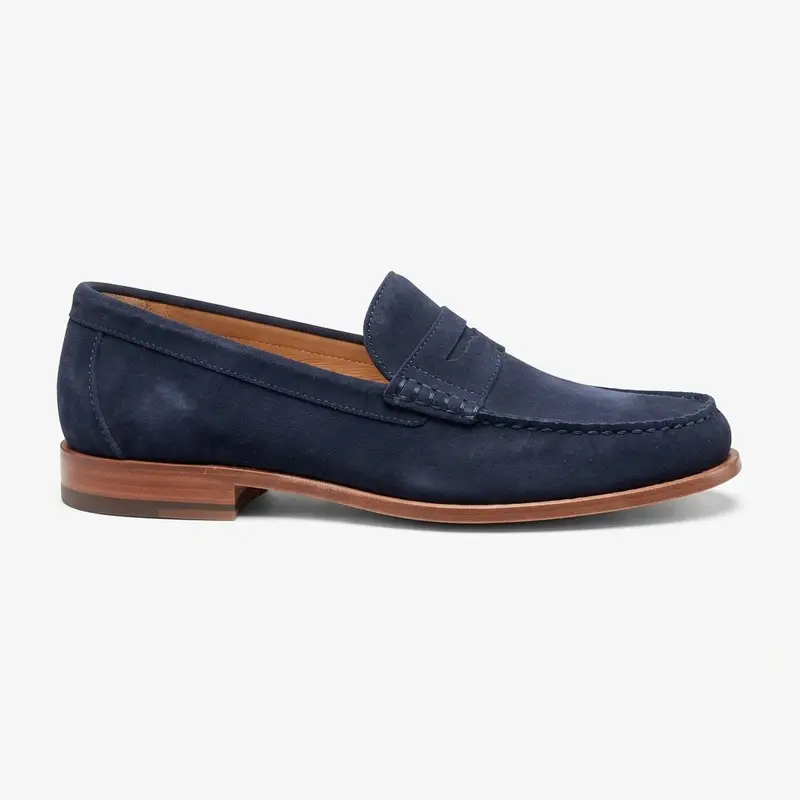
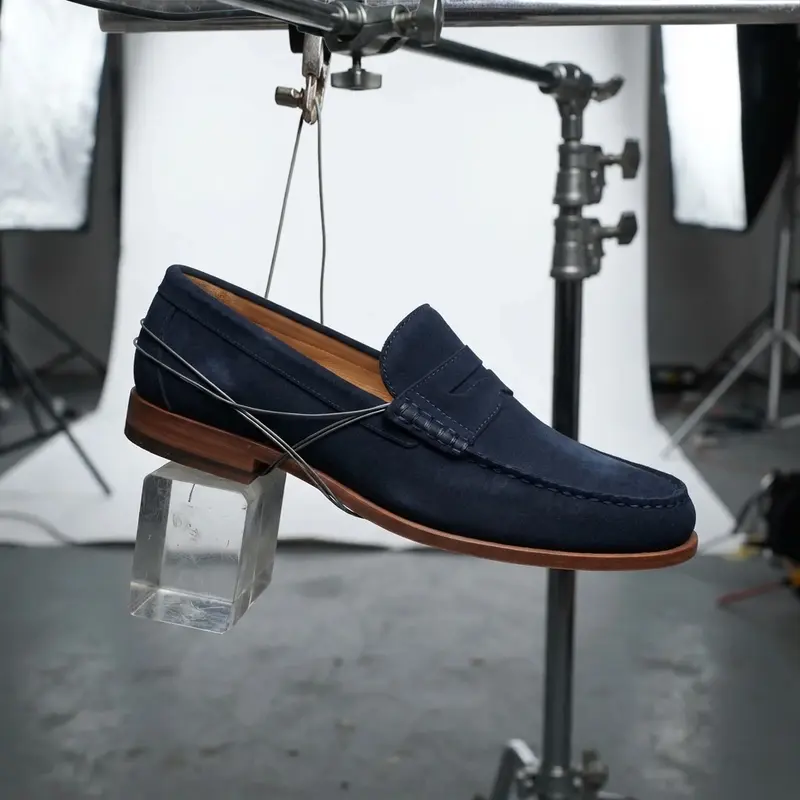
Before & After, Category by Category
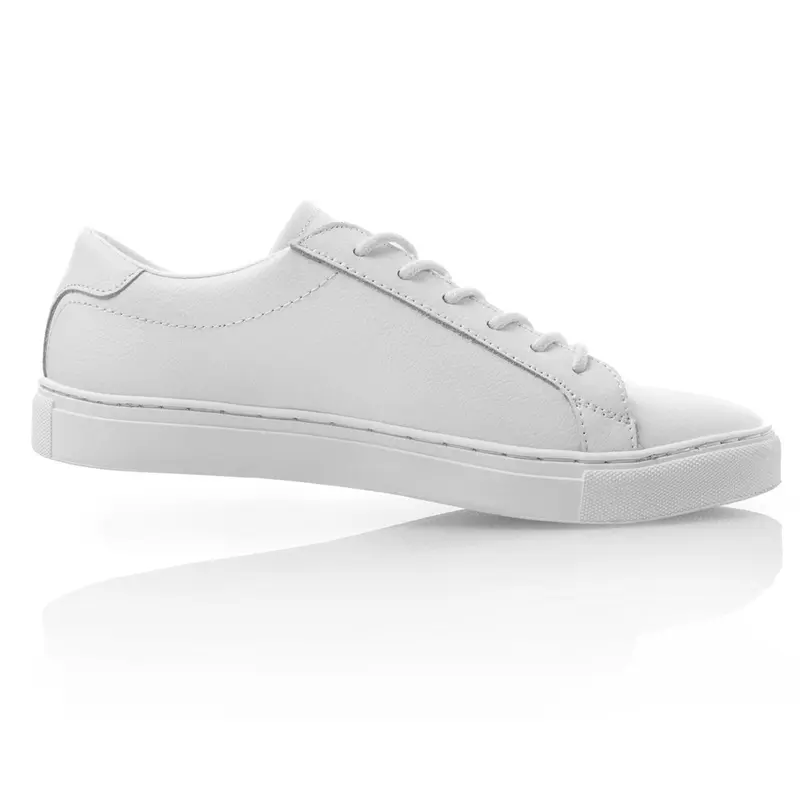
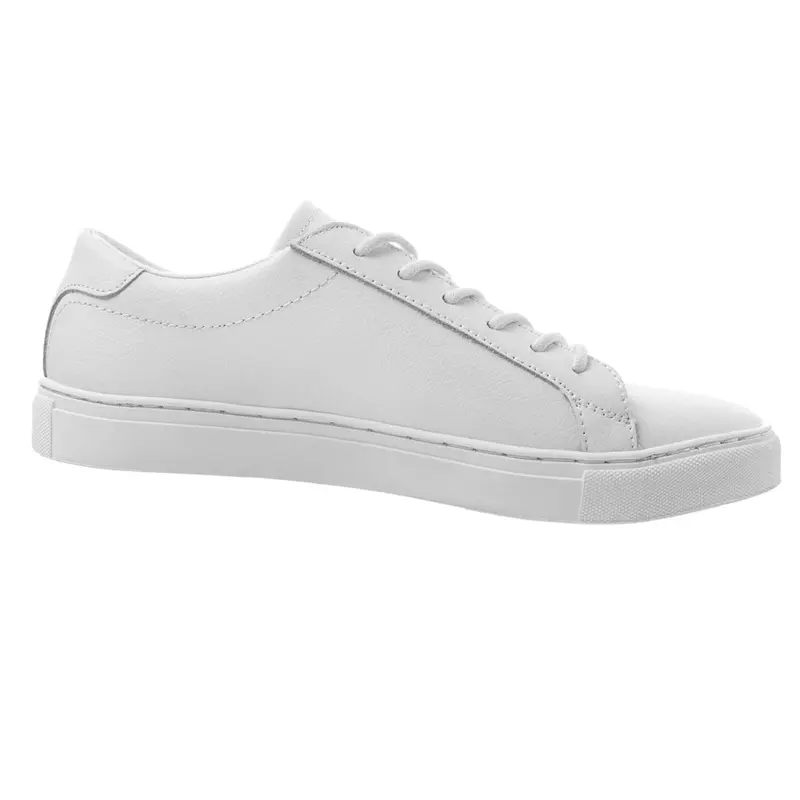
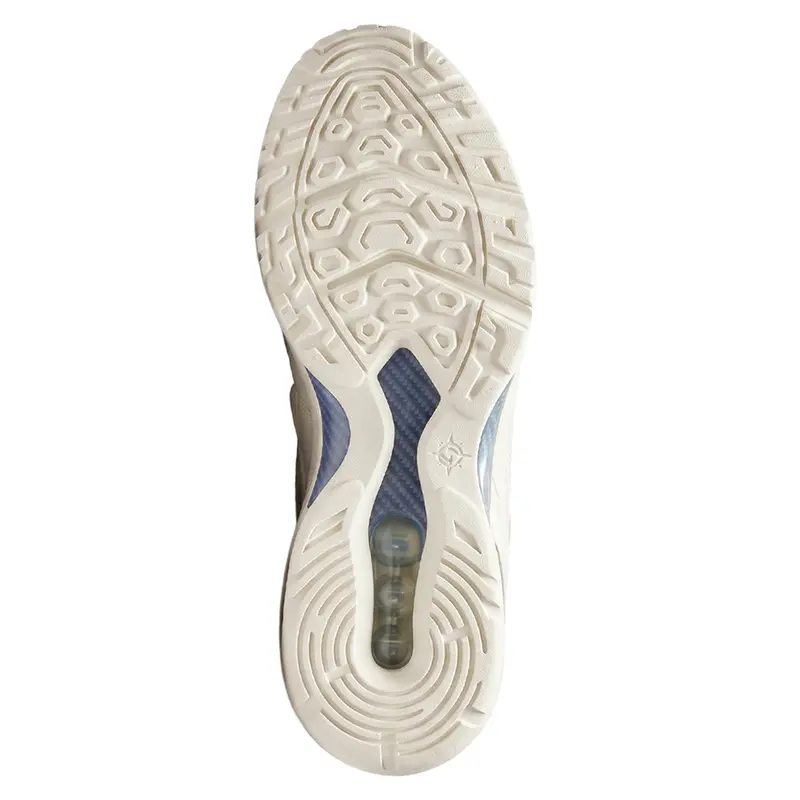
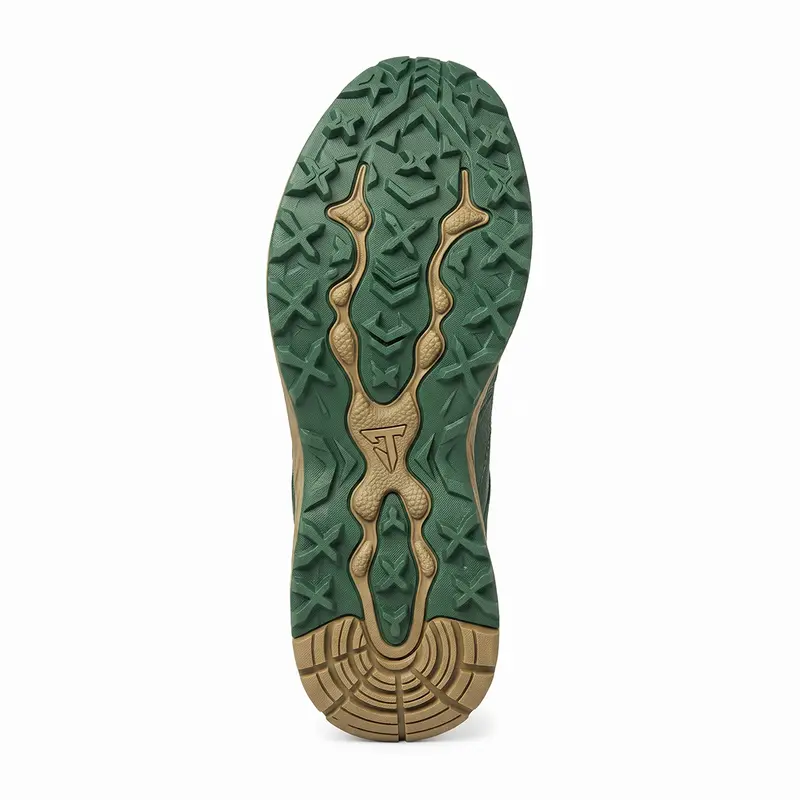
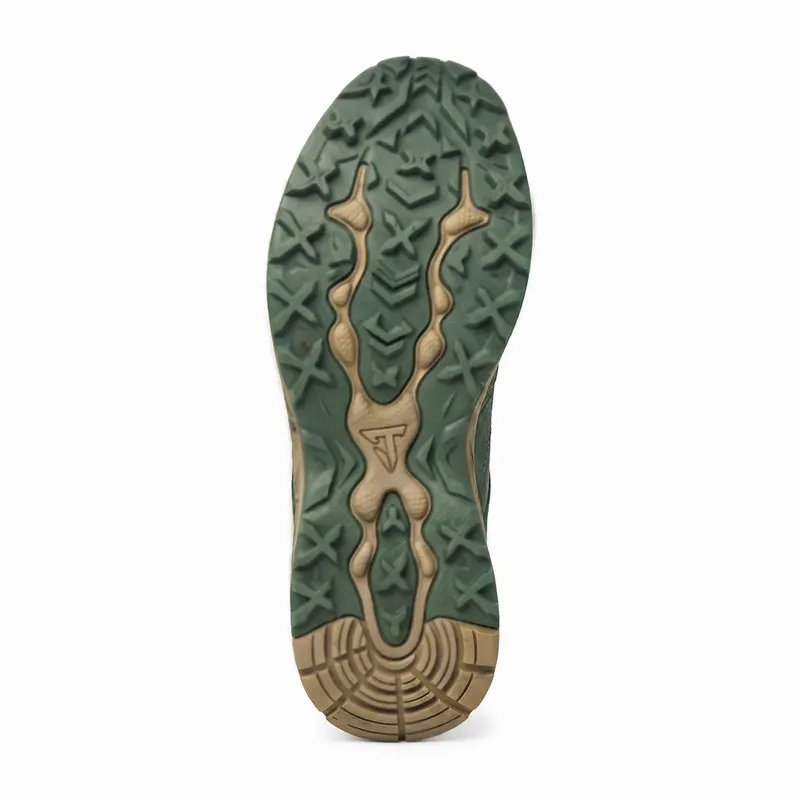
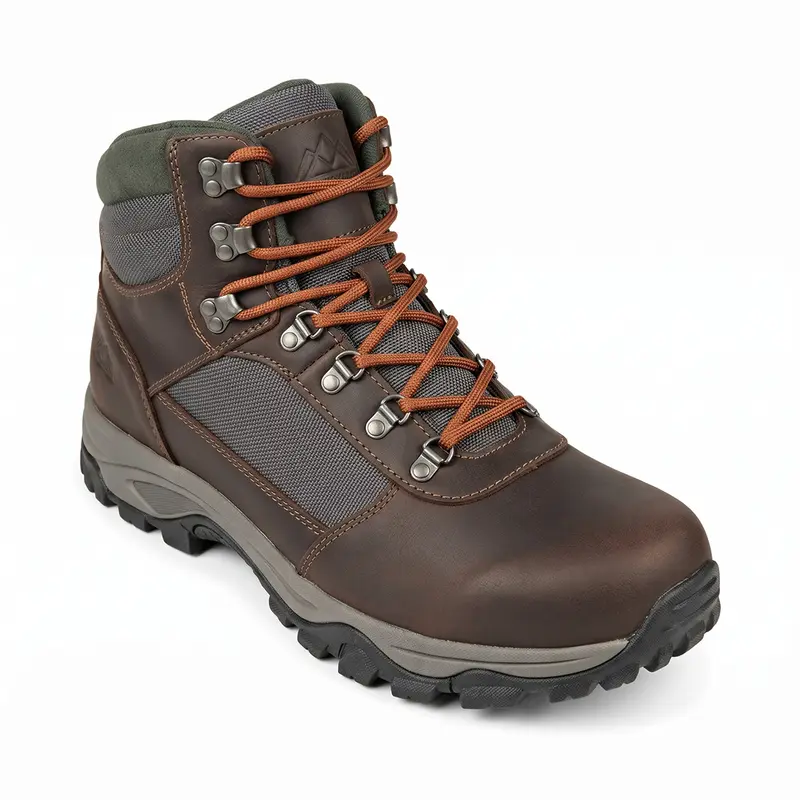
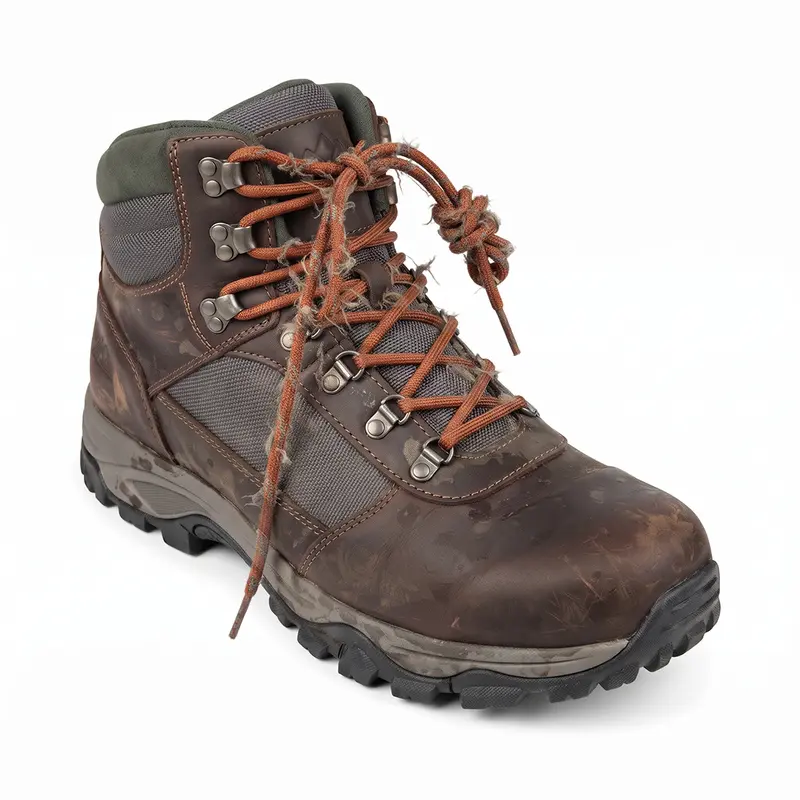
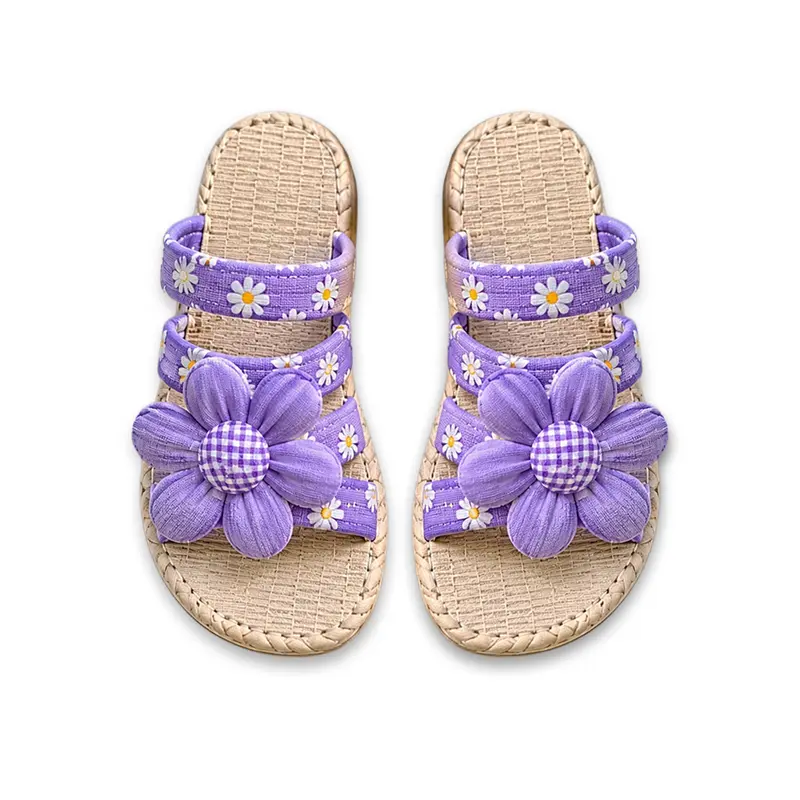
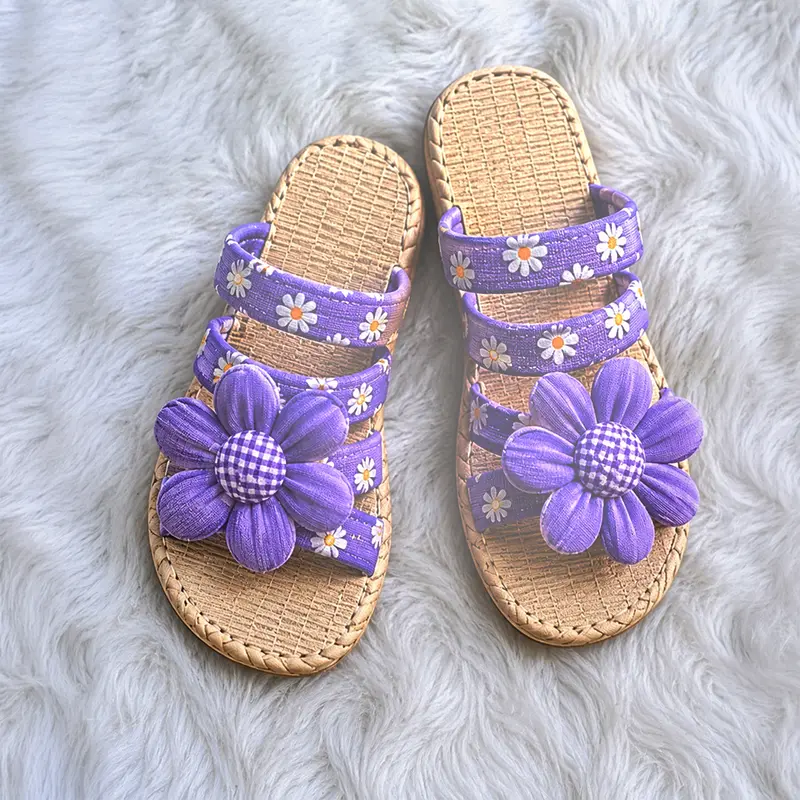
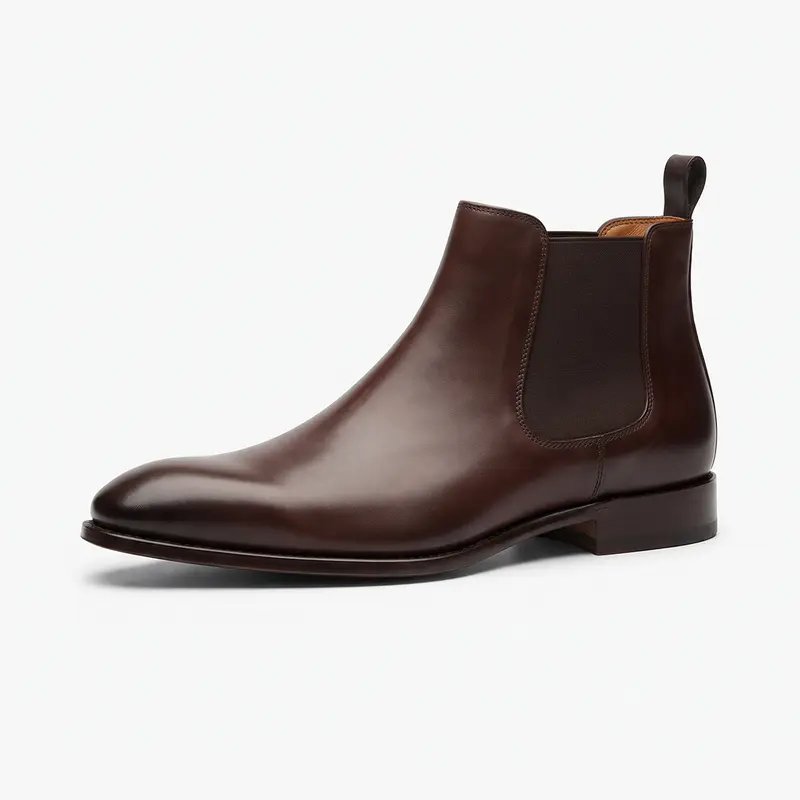
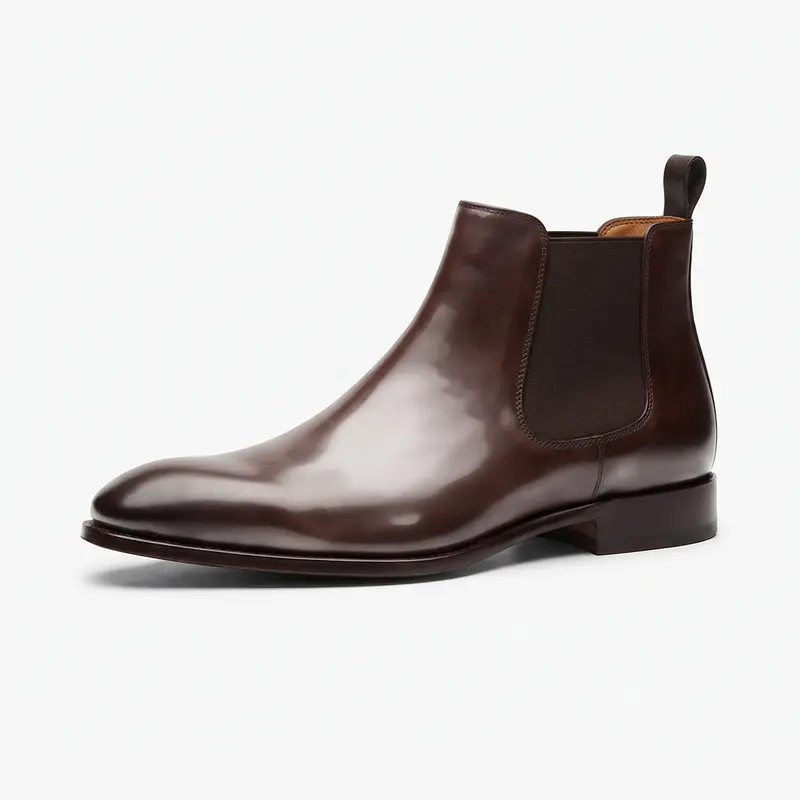
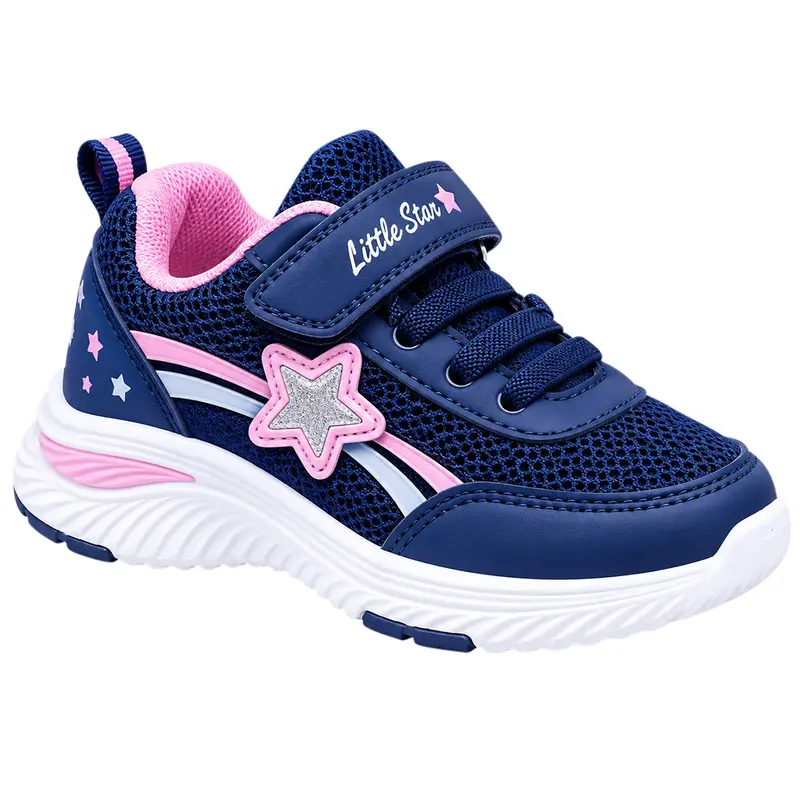
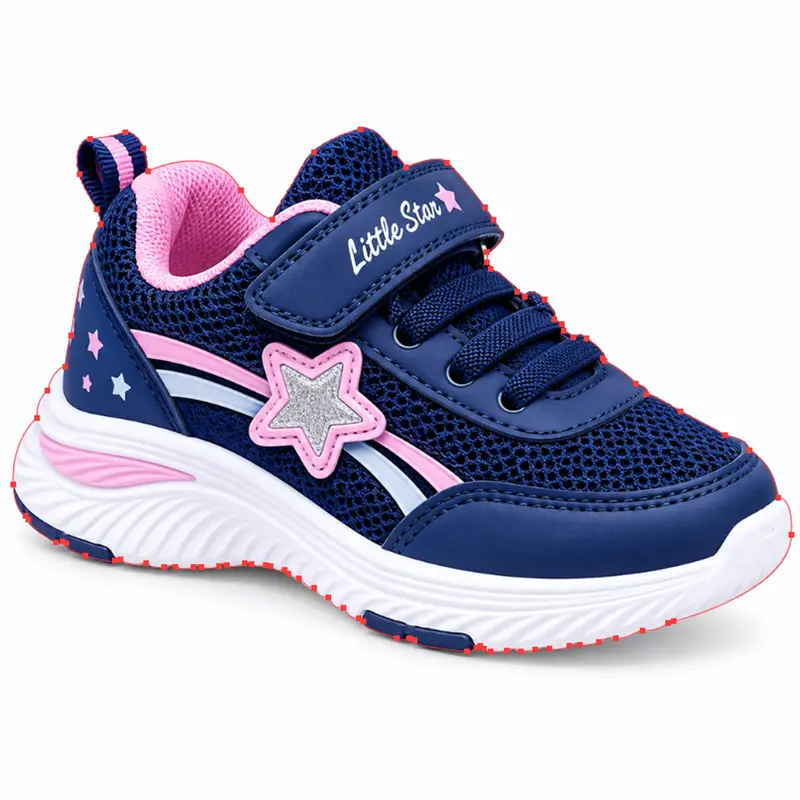
Drag the slider on each photo left or right to see exactly what our editors fix — from matching midsole color to hand-tracing every lace and eyelet.
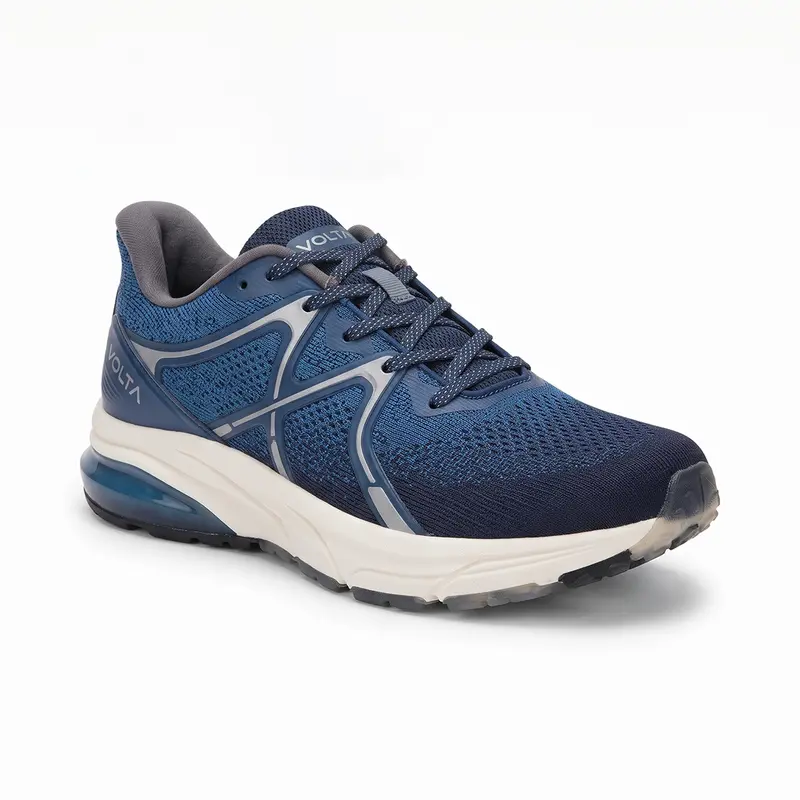
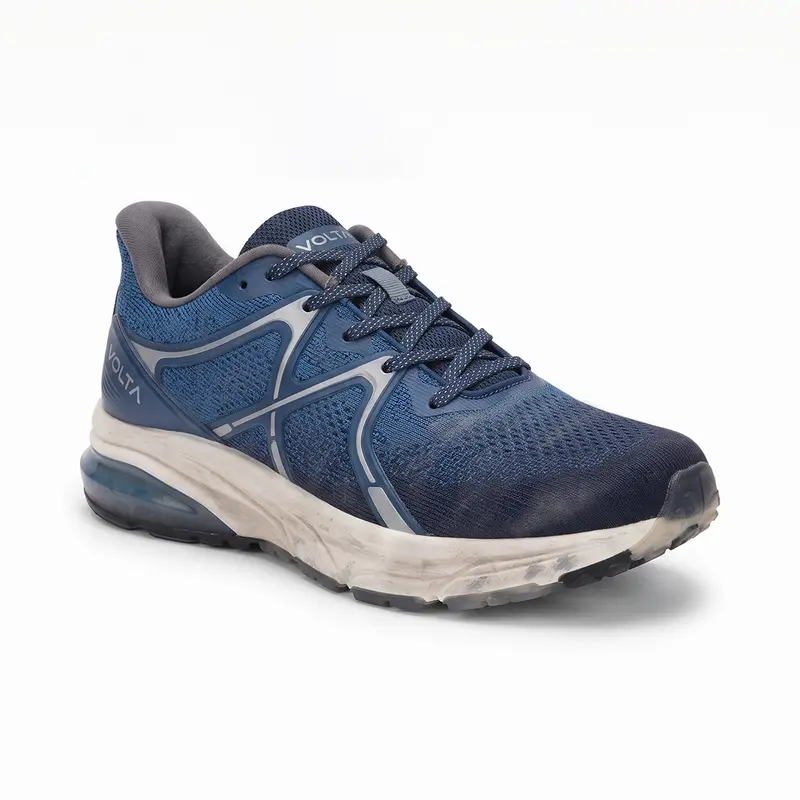
Services We Recommend
Pick what your catalog needs — every service starts with 3 free trial edits.
Ghost Mannequin & Apparel Retouching →
The same invisible-support technique used for apparel, applied to remove shoe stands and wires.
Wrinkle & Crease Removal →
Smooth out shipping creases on leather and fabric uppers.
Background Removal & Clipping Path →
Clean cutouts and consistent shadow placement for every shot.
Focus Stacking & HD Composition →
Keep sole tread and upper detail sharp in the same composite image.
Footwear Brand Photography We Handle
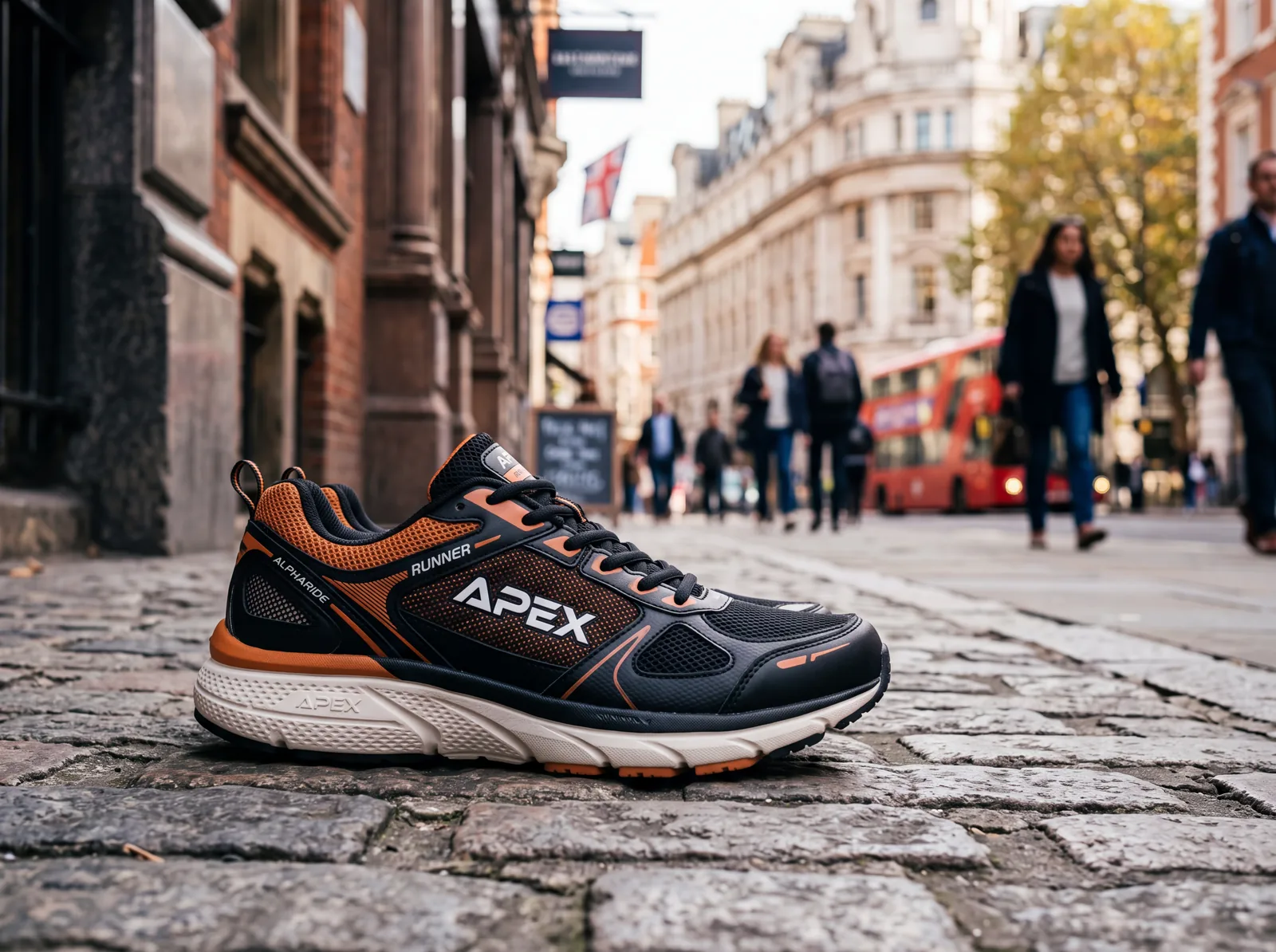
Clean, studio-grade footwear imagery ready for brand catalogs and storefronts.
Why Footwear Photos Need Specialized Editing
Shoes are harder to shoot than most products. One photo can show five different things at once: a leather upper, a mesh panel, a rubber sole, metal eyelets, and fabric laces. Each material catches light in its own way, and a photo editor who does not know footwear can flatten all of that into one dull, plastic-looking image.
Texture is the first thing buyers notice, even if they do not say it out loud. Leather should look soft and smooth, suede should look fuzzy and matte, and mesh should look light and breathable. Good footwear editing keeps each material true to life — our product retouching work is built around cleaning up the photo without erasing what the material actually feels like.
Most shoes are sold and shot in pairs, and the two shoes rarely match perfectly straight out of the camera. Left and right need to look like a true pair in the final photo, which uses many of the same skills as ghost mannequin editing, where everything has to line up and look natural with no sign of the editing itself.
Sample shoes get photographed again and again, and by the tenth shoot they often carry dust on the toe or a scuff on the heel. A good editor removes these marks by hand but keeps the real stitching and grain in place — clean the shoe too much and it looks like a plastic toy, clean it too little and small flaws sell the wrong message.
Most footwear brands sell one style in five sizes and six colors, which can mean thirty or more photos that all need to look like one family. Our background removal and clipping path service is built for exactly this kind of batch work, so your whole catalog looks consistent, whether it is 10 photos or 10,000.
Floating Shoe Shots vs Standard Product Shots
A standard product shot shows a shoe sitting flat on a plain background, straight on or at a slight angle. It is simple, clear, and works well for almost every listing on Amazon, Shopify, or Etsy. A floating shoe shot shows the shoe at an angle, as if it is hanging in the air with no stand or foot inside it, which has become popular in sneaker and streetwear marketing.
To get this look, the shoe is first photographed on a stand or support so it holds the right angle, then an editor removes that support by hand, paints in the missing parts of the sole, and often adds a soft shadow underneath so the shoe still looks grounded and real. Done well, no one can tell the shoe was ever held up by anything.
Floating shots are worth the extra editing time for hero images, ads, and social posts, where you want the shoe to stand out. For a full catalog with many angles per style, a standard flat shot is usually faster and just as effective for driving sales — many brands use both: a standard shot for every size on the product page, and one floating hero shot for the main image or ads.
Why Choose FixProductPhotos?
Free Trial, No Commitment
Upload a handful of your real photos and we'll edit them the same way we'd edit your full order — no credit card, no contract, no pressure. You only pay once you've seen exactly what we can do with your own images.
24–48 Hour Turnaround
Most orders come back within 24 to 48 hours, even during busy seasons like holiday restocks. Need something sooner? Tell us the deadline and we'll let you know if a rush turnaround is possible.
100% Satisfaction Guarantee
If an edited photo doesn't look right, send it back and we'll fix it — as many times as it takes, at no extra cost. We don't consider an order finished until you're genuinely happy with every image.
Dedicated Editing Team
Every photo passes through a trained human editor, then a second editor for quality control. We don't run your images through a one-click filter and call it done — someone is actually looking at each one.
How It Works
Start Your Free Trial
Send us 3-5 sample photos through our free trial form. No payment info needed — we just want to show you what your images will look like after our team edits them.
We Edit It
A trained editor works on your photos by hand, then a second editor reviews every image before it goes back to you, so mistakes get caught before you ever see them.
Get Your Photos
Download your finished images in whatever format and size you need — ready to upload straight to your store, marketplace listing, or print file. Most orders ship back within 24 to 48 hours.
Helpful Guides From Our Editing Team
Practical, experience-based articles to help you shoot, prepare and list better product photos.
Frequently Asked Questions
Can you remove the stand or wire used to photograph the shoe at an angle?
Yes — this is one of our most common footwear requests and is handled by hand, not an automated filter.
Will the shoe look like it's floating with no shadow?
We can add a natural-looking ground shadow so the shoe reads correctly in the shot, or leave it shadow-free if that's your preferred style.
Can you clean up scuffs on leather without making it look plastic?
Yes, we preserve the material's real texture while removing dust, scuffs, and minor imperfections.
Do you keep sole and tread detail sharp?
Yes — focus stacking keeps both the upper and sole detail sharp in a single composite when needed.
Is the free trial available for footwear photos?
Yes — send 2-3 raw footwear photos and we'll return finished edits with no payment required.
Can you make sure the left and right shoe in a pair actually match in the photo?
Yes. We check and adjust the angle, position, and lighting of both shoes so they look like a true matching pair, even if the original photo had them sitting slightly differently.
I sell the same shoe in many colors. Can you keep all the photos looking the same?
Yes. We edit every colorway and size of a style using the same background, shadow, crop, and color settings, so your whole catalog looks like one consistent set.
Will editing make my leather or suede shoes look fake or too smooth?
No. We keep the natural texture of each material — leather still looks like leather and suede still looks soft and matte. We clean up flaws without flattening the texture that makes the material look real.
Do you fix glare on shiny materials like patent leather or vinyl sneakers?
Yes. We tone down harsh shine and hot spots on glossy materials while keeping a natural amount of shine, so the shoe still looks shiny where it should.
Do you edit flat shoe photos as well as floating or angled shots?
Yes. We edit both standard flat product shots and floating angled shots, and can match the look across your catalog if you use a mix of both styles.
What file formats do you deliver finished shoe photos in?
We deliver whatever format and size your platform needs — JPG or PNG, sized to the exact pixel dimensions Amazon, Shopify, or your marketplace requires.
See Your Footwear Shots Edited, Free
Send 2–3 raw photos and see our quality firsthand — no payment required.
Get 3 Free Trial Edits