
Ghost Mannequin & Apparel Retouching Service
Invisible-mannequin photo editing that makes your apparel look naturally worn — without a model or a visible mannequin. Clean neck joints, natural fabric fall, and consistent lighting across every SKU.
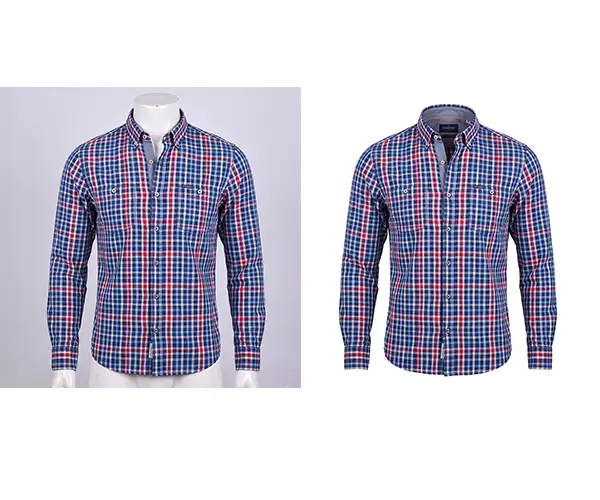
What’s Included
Everything needed to turn flat or mannequin shots into clean, natural-looking apparel photos.
Neck Joint & Collar Blending
Seamless neck joint removal so garments look naturally worn, not mannequin-stiff.
Inner Hollow & Sleeve Cleanup
Natural depth inside collars, cuffs, and hems where the mannequin is removed.
Symmetry & Shape Correction
Straightened seams, even sleeves, and consistent garment shape across your catalog.
Multi-Angle Consistency
Matching ghost mannequin treatment across front, back, and side shots.
Fabric Texture Preservation
Keeps weave, knit, and print detail sharp while removing the mannequin.
Bulk SKU Processing
Hundreds of garments edited to the same standard, delivered in one batch.
Wrinkle & Crease Removal
Folds from shipping and packaging get smoothed out by hand, so a shirt looks pressed and ready to wear, not like it just came out of a poly bag. See our dedicated wrinkle and crease removal service for garments that need extra work.
Color & White Balance Matching
Every photo in a batch gets matched to the same white point and tone, so your product grid doesn’t look like it was shot across ten different days under ten different lights.
How Ghost Mannequin Editing Actually Works
A quick look at the steps our editors take to turn a flat, stiff garment shot into one that looks worn and real.
Most ghost mannequin photos start with two shots of the same garment. The first is the normal mannequin shot, front and back. The second is a close shot of just the inside of the collar, with the mannequin pulled back a little so the camera can see into the neckline. Our editors use that second shot to fill in the hollow space once the mannequin is gone, which is what makes the garment look worn instead of hung on a hanger.
Next comes the masking, and this is the slow part. An editor traces the exact edge of the garment by hand, point by point, with a pen tool. A shirt with buttons, a zipper, or a frayed hem takes real time to trace well. Automatic cutout tools skip over these small details, which is why this step stays manual on every single order we run, no matter how large the batch is.
The hardest part is the neck joint, the spot where the mannequin used to sit inside the collar. Leave this spot alone and you get a dark ring or a flat, odd patch that looks wrong the moment a shopper zooms in on their phone. Our editors blend this area by hand, using the inside-collar shot to rebuild the curve of the fabric, so the shirt reads like it’s sitting on a real body instead of floating over a gap.
Software can guess at shadows, but it can’t tell a cotton weave from a silky knit, and it doesn’t know how a crease should fall on a real garment. That’s why every order on this page goes through a person first, with a second editor checking the file before it ships back to you.
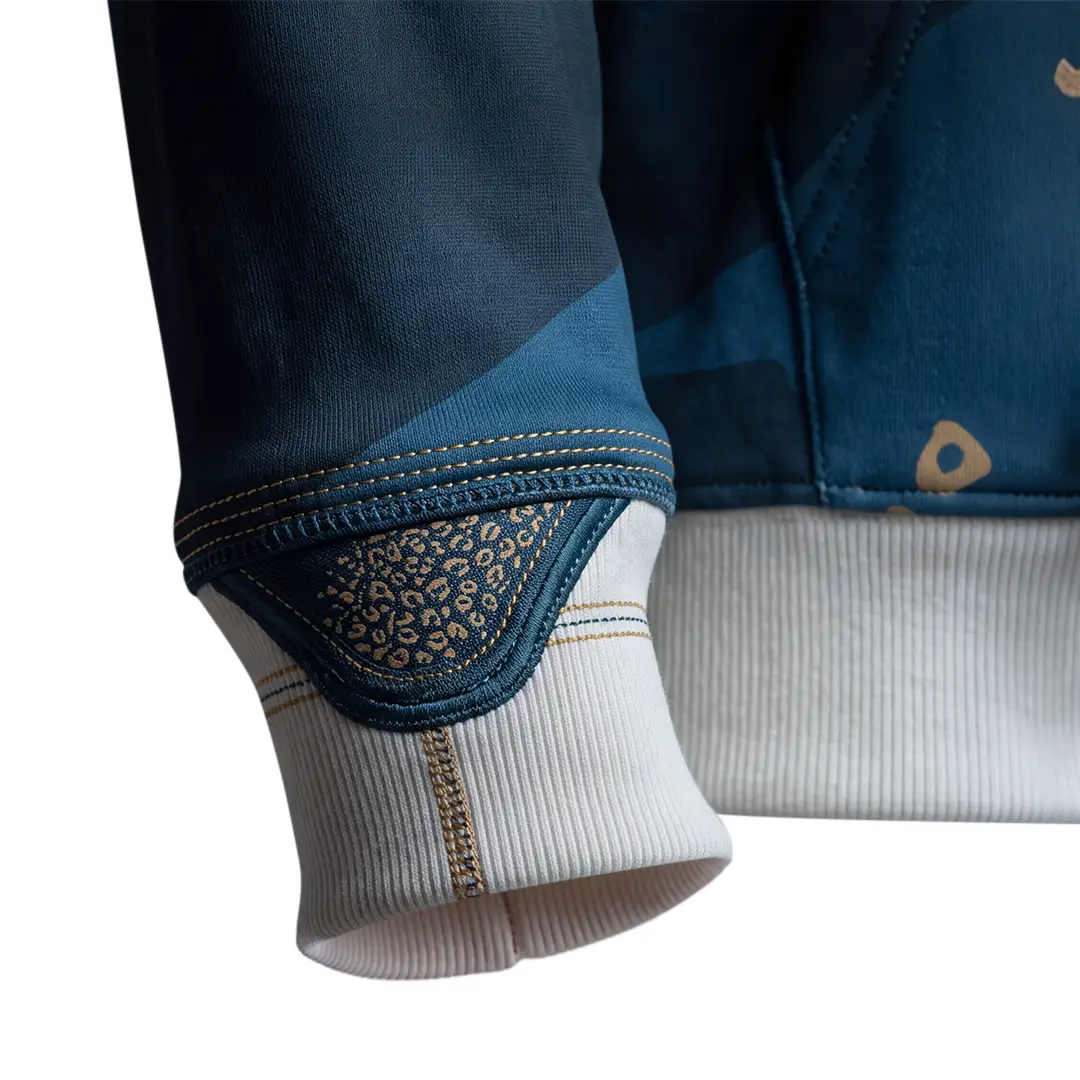
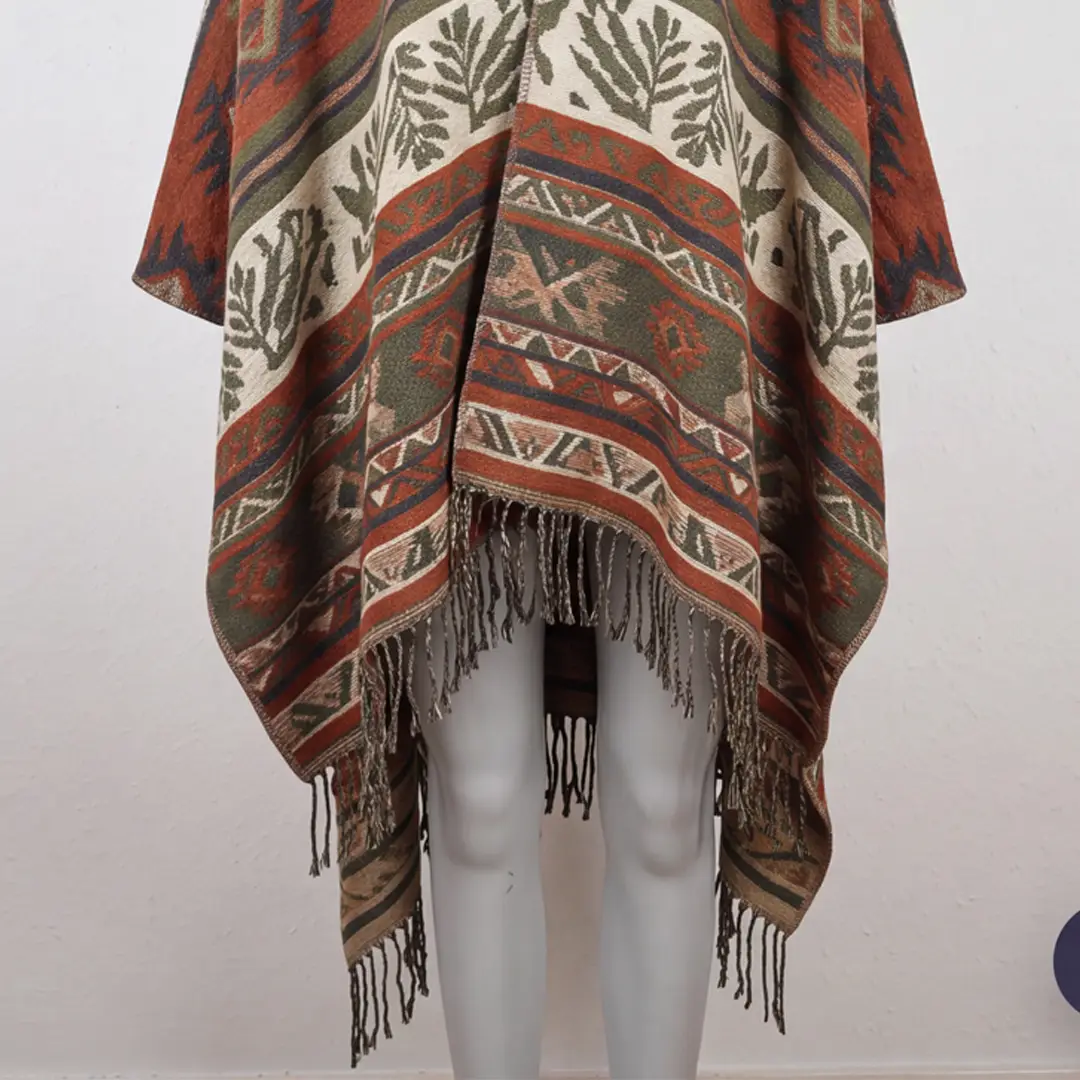
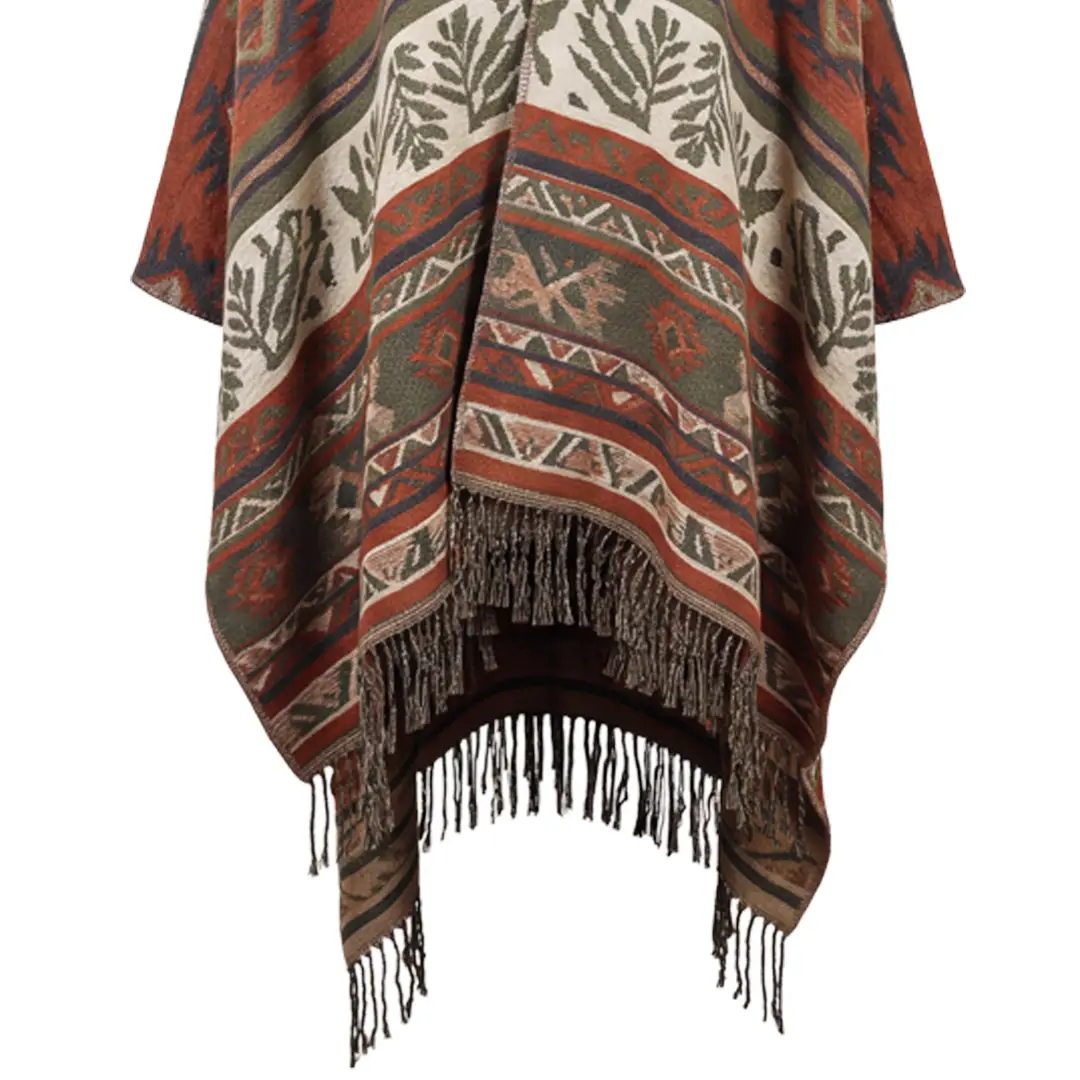
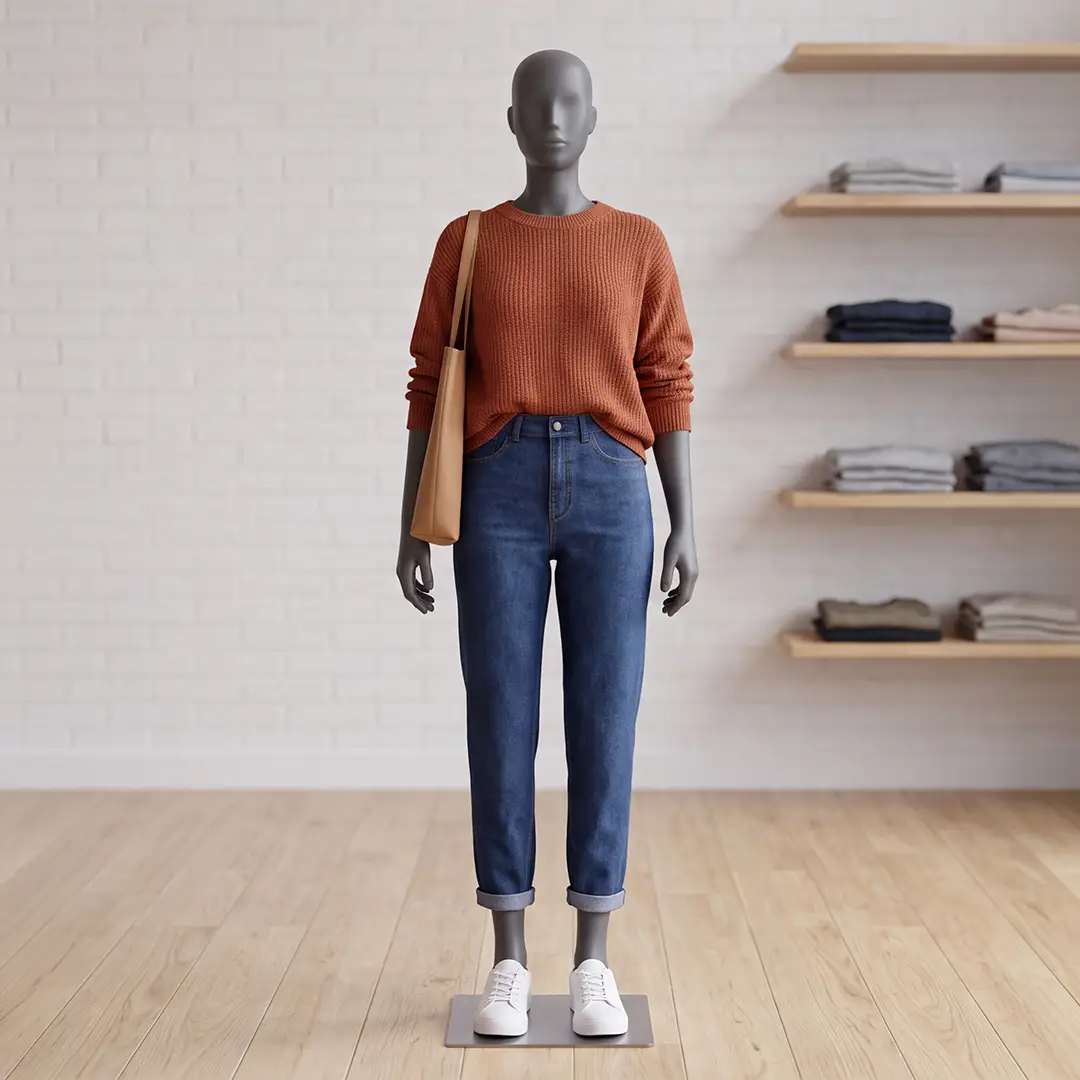
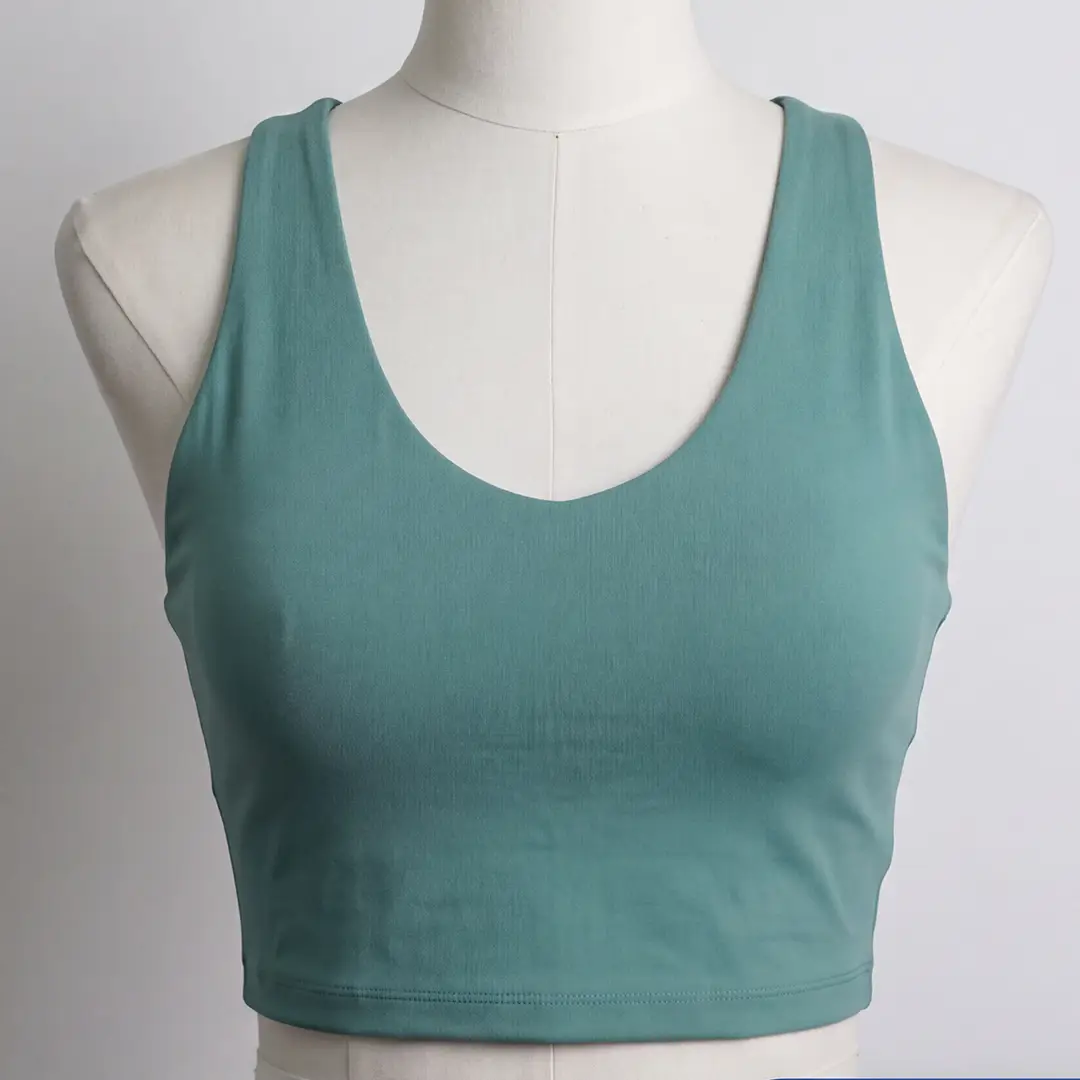
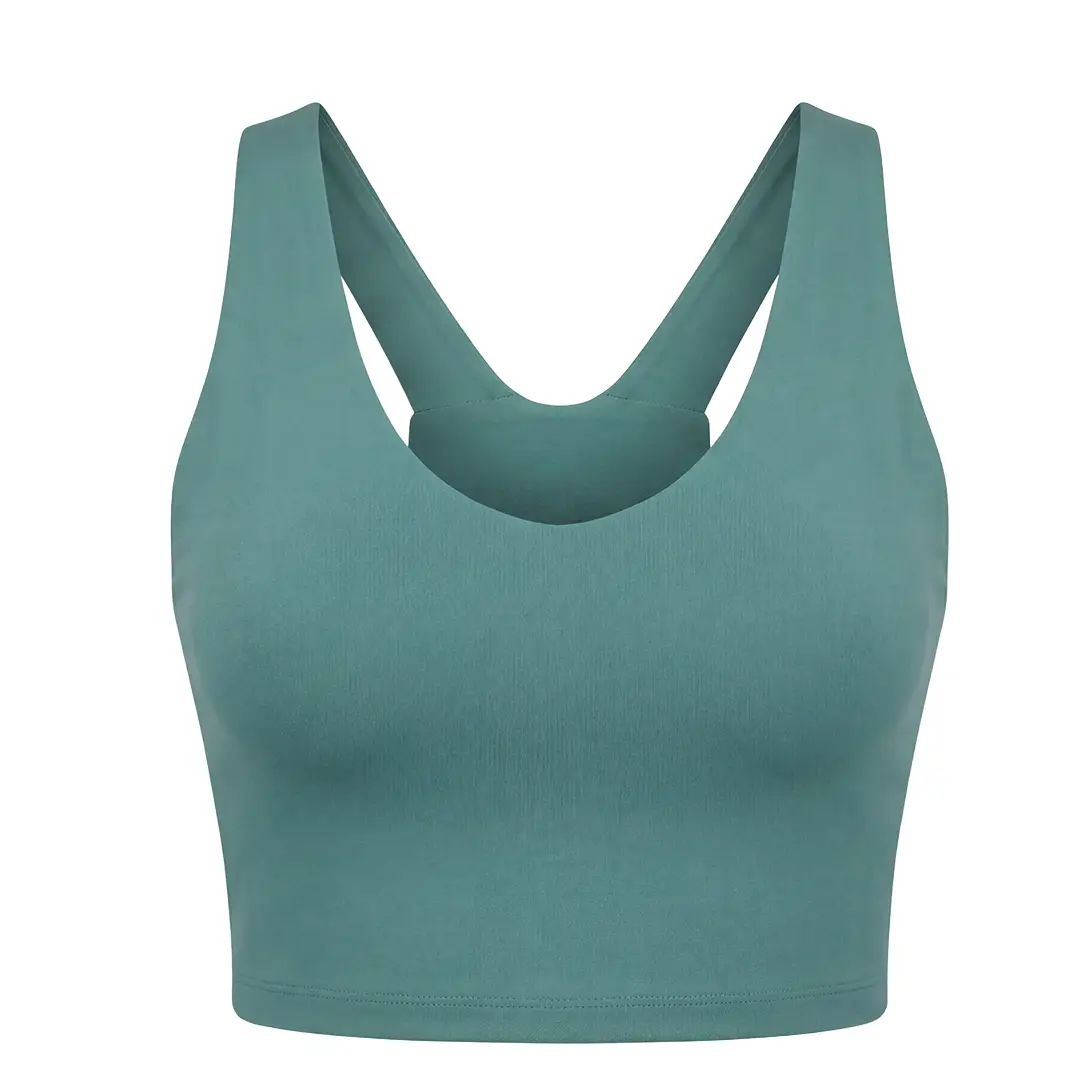
Real Before & After Examples
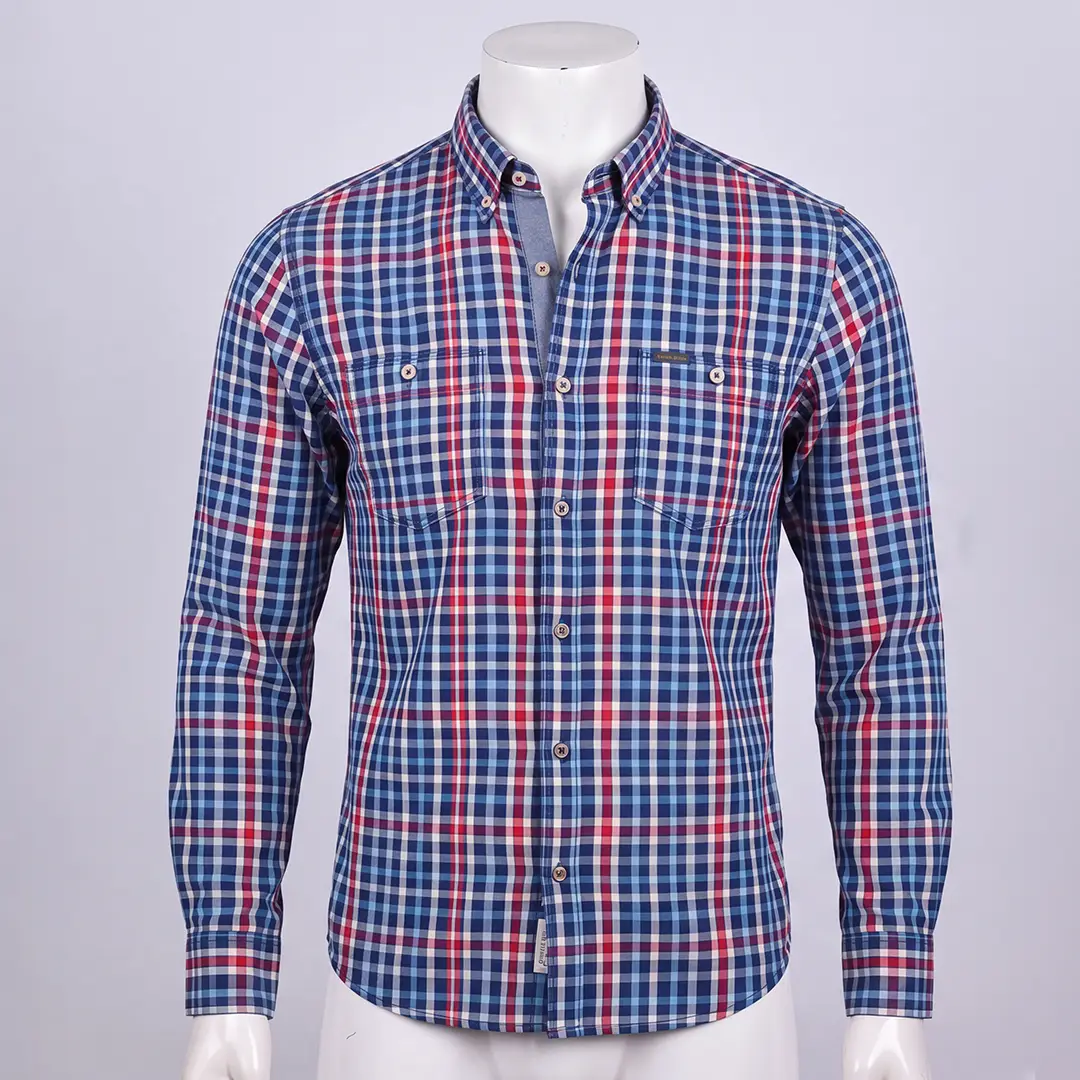
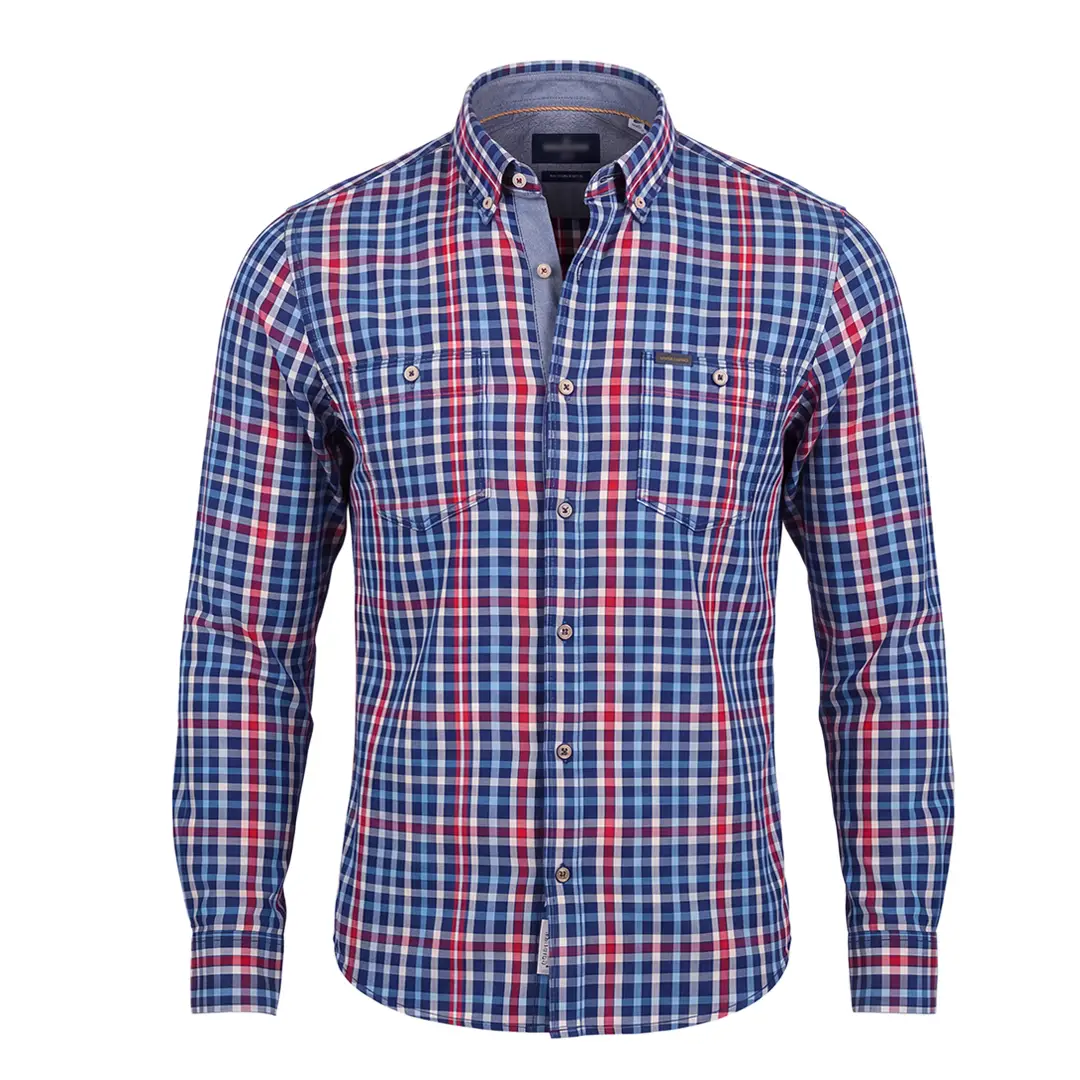
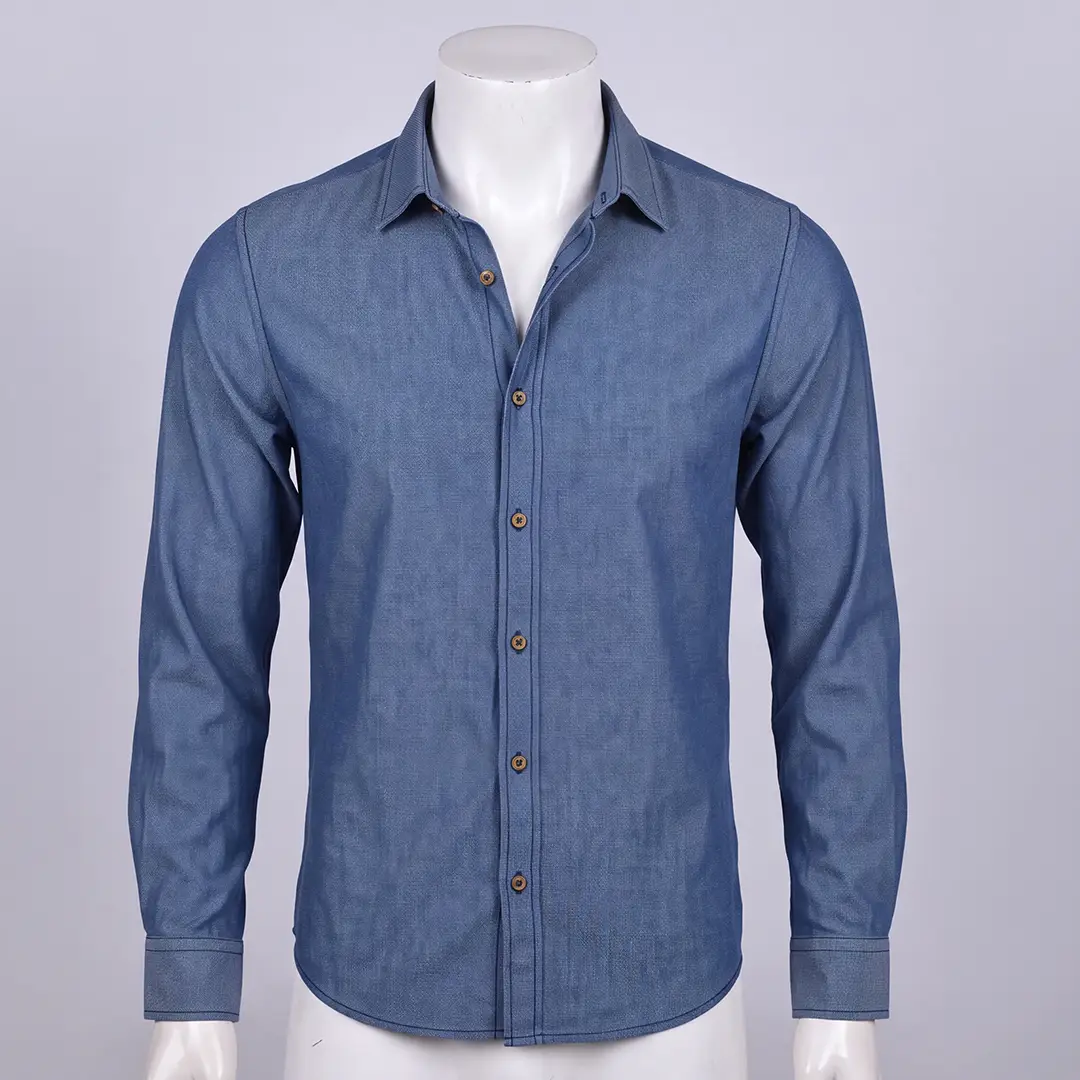
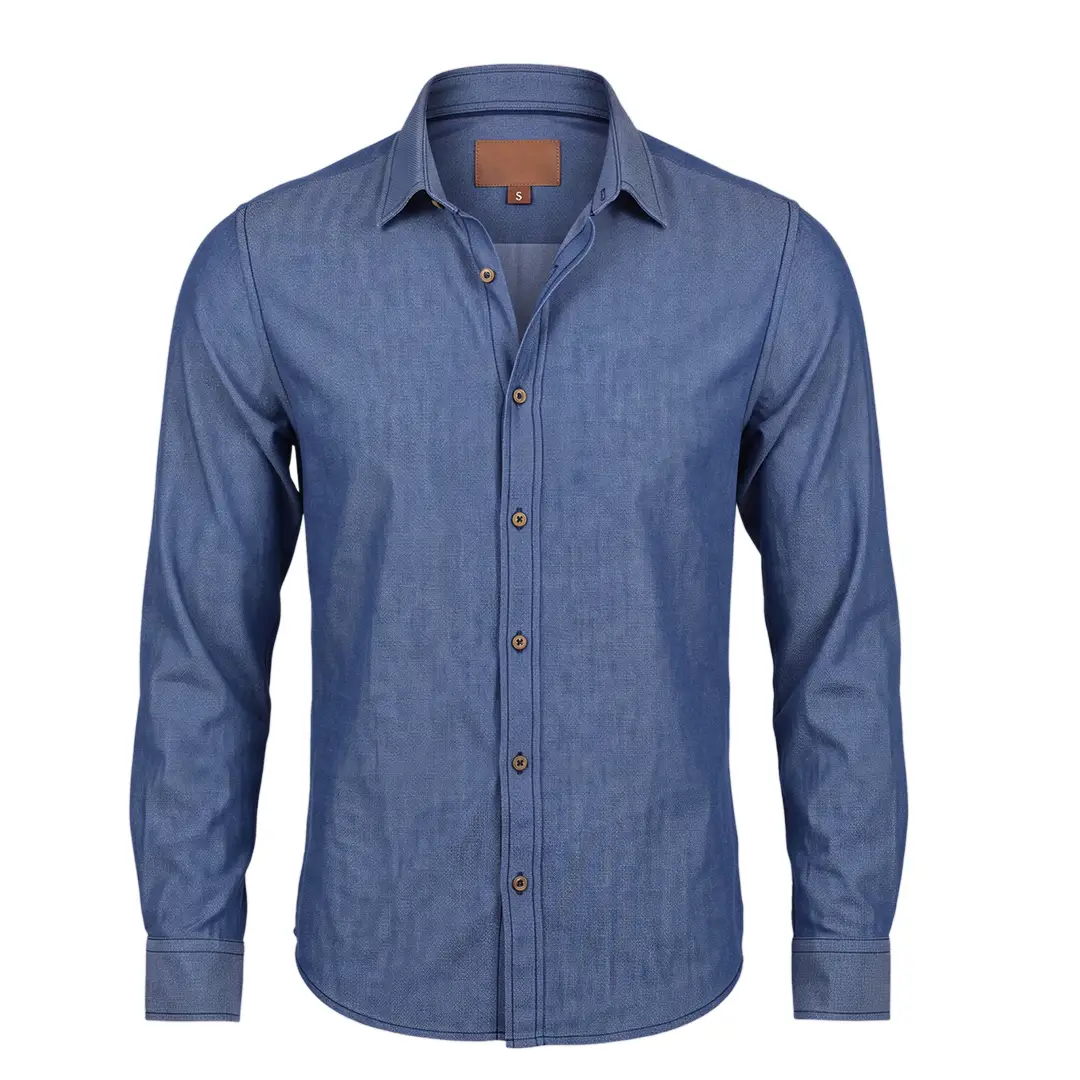
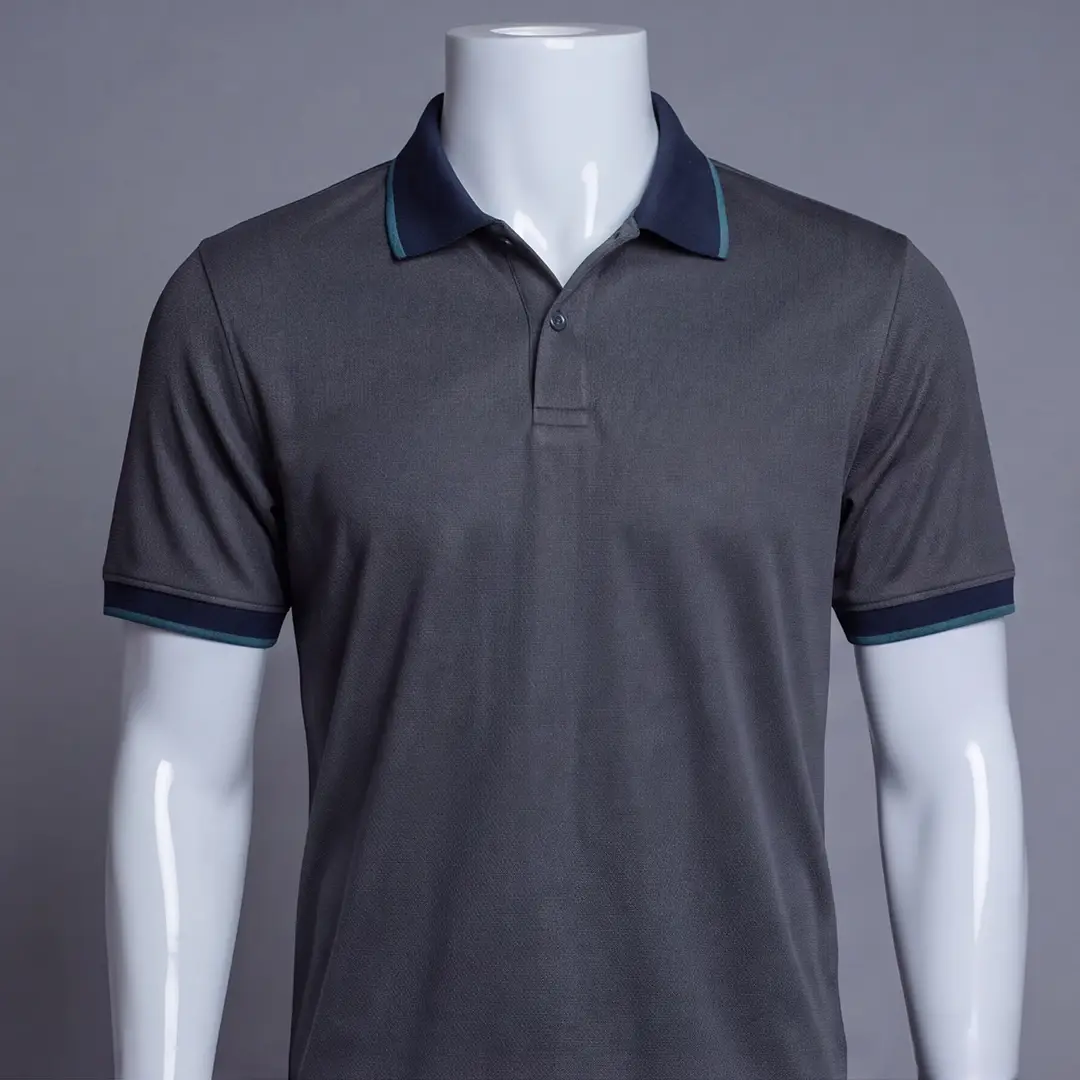
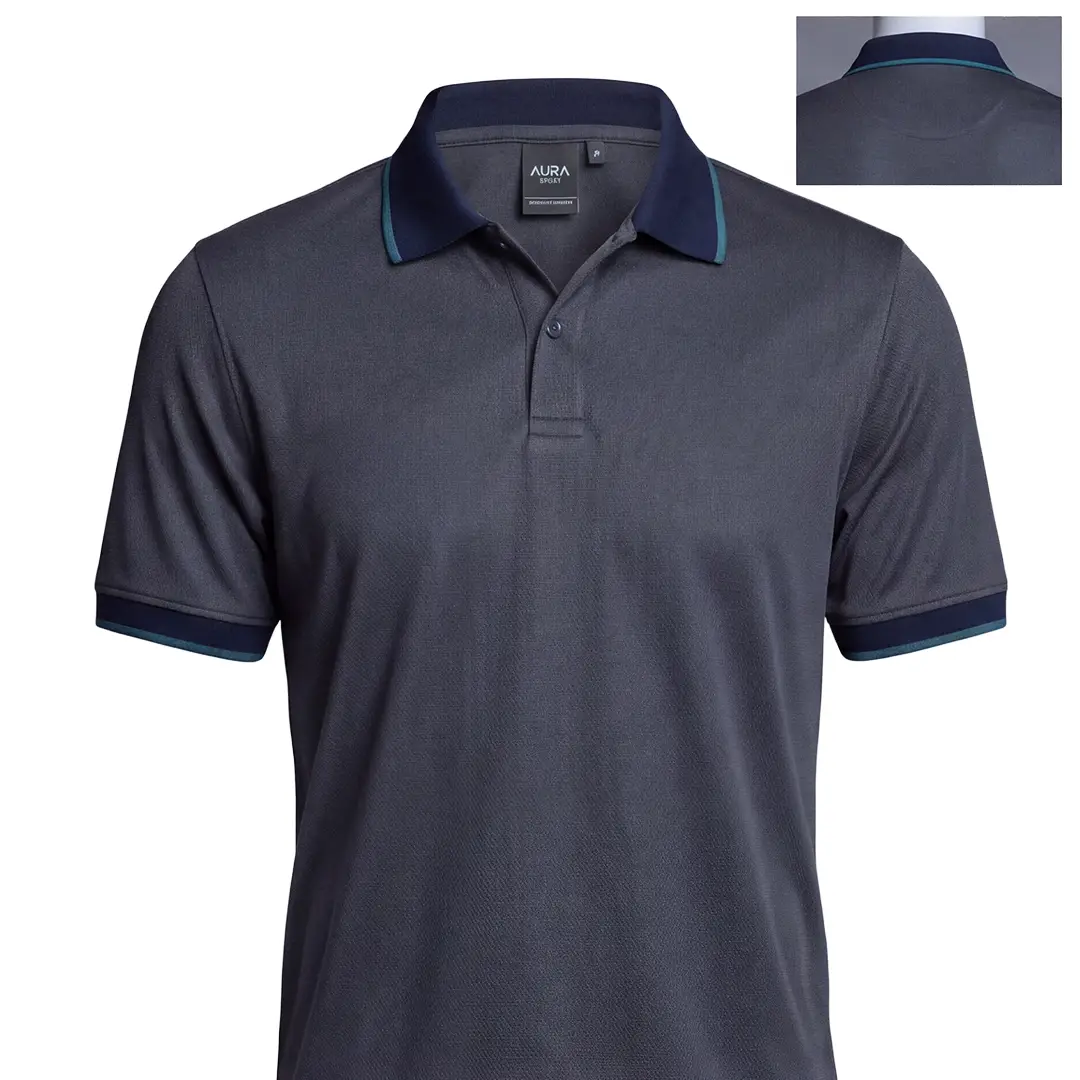
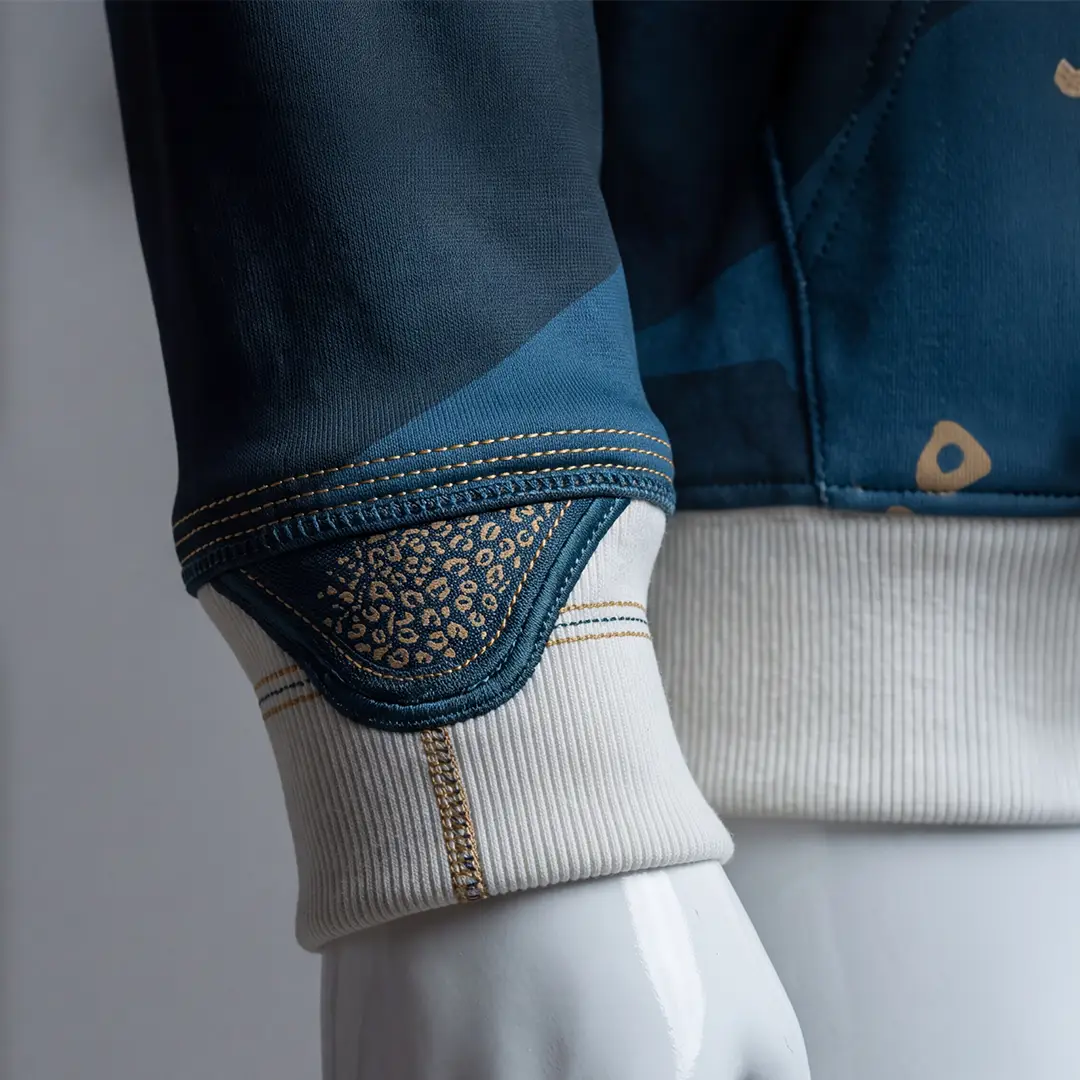
Actual ghost mannequin edits from our studio — no stock photos, no mockups.
Why These Photos Matter for Amazon, Shopify, and Marketplace Rules
Clean apparel edits aren’t just about looks. They keep your listings out of trouble.
Amazon has clear rules for apparel main images: a plain white background, the product filling most of the frame, and no extra text, logos, or watermarks. A photo with a visible mannequin, a stray shadow, or an off-white background can get a listing flagged or a main image rejected outright. Clean Amazon-ready photo editing keeps every SKU inside those lines, so you aren’t re-uploading images after a rejection notice.
A Shopify store and other marketplaces don’t enforce rules the way Amazon does, but shoppers still compare your photos side by side before they trust a size chart. Photos that shift in color, angle, or crop from one product to the next read as careless, even when the clothes themselves are good.
This matters even more once you’re past a handful of products. A seasonal drop of 300 shirts needs the same neck angle, the same crop, and the same light on every single one. Skip that, and your category page looks like five different photographers shot it on five different days, even when one person shot all of it in an afternoon.
Getting this wrong costs more than it looks like it should. Listings with inconsistent or misleading photos draw more returns, more “not as pictured” messages, and more time spent on customer replies instead of new stock.
DIY vs. Outsourcing: What Most Brands Get Wrong
A handful of honest numbers before you decide who edits your next catalog.
If you’ve never done it before, one ghost mannequin edit in Photoshop can eat 20 to 40 minutes, and the first few tries usually show it. The most common mistake is a visible ring or color shift right at the neckline, because the inside-collar shot wasn’t blended in carefully. A close second is a sleeve or hem that looks straight on one side and crooked on the other, which is easy to miss until the whole batch is lined up on a product page.
Prices for this kind of editing across the wider market usually run from under a dollar a photo for simple cleanup work, up toward ten or fifteen dollars a photo for full ghost mannequin edits on complex garments like jackets or layered outfits. Where your job lands depends on how many angles need editing, how complex the garment is, and how fast you need it back. You can see where our own pricing sits for your volume before committing to anything.
A single product shoot is easy enough to edit by hand. A real catalog is not. Once you’re past 50 or 100 SKUs a month, hand-editing stops being a side task and starts eating a full workday, every week. That’s the point where most of our clients switch over, usually after testing us first through the free trial on a small batch of their own photos.
Why Choose FixProductPhotos?
Free Trial, No Commitment
Send us 2 to 3 real photos from your own catalog before you spend a cent. You get the finished files back, check the neck joints and edges yourself, and only then decide if we’re a fit for your brand.
24–48 Hour Turnaround
Most small batches come back within one business day. Larger seasonal drops get a clear timeline up front, so you know exactly when your photos land, not just a vague “soon.”
100% Satisfaction Guarantee
If a neck joint, a crop, or a color looks off to you, we fix it again at no extra cost. There’s no cap on revisions and no extra invoice for asking us to get it right.
Dedicated Editing Team
Your files are edited by the same small group of people, order after order, not routed through a different freelancer or an automated filter each time. That’s how a whole catalog ends up looking like one consistent set, not a patchwork.
How It Works
Start Your Free Trial
Email or upload 2 to 3 of your toughest photos, the ones with tricky necklines, patterns, or layered pieces. We’d rather prove ourselves on a hard photo than an easy one.
We Edit It
A first editor handles the neck joint, masking, and color work by hand. A second editor then checks the file against your notes before anything goes back, so mistakes get caught before you ever see them.
Get Your Photos
Download your finished images, usually within 24 hours for standard batches. Need a change? Just reply with what to fix and we’ll turn it around again, free.
Frequently Asked Questions
What is ghost mannequin photography?
It’s a technique that removes the mannequin from a garment photo so the clothing appears to float naturally with a 3D, worn look — no model needed.
Do you need the garment shot on an actual mannequin, or can you create the effect from a flat lay?
A mannequin shot (with a separate neck/interior shot) gives the cleanest result, but we can also work from flat lay images depending on the garment.
Can you match my existing catalog’s ghost mannequin style?
Yes — send a few reference images from your current catalog and we’ll match the look and consistency.
How many garments can you process per batch?
We handle bulk orders routinely — from a handful of SKUs to large seasonal catalogs.
Do you handle layered clothing like jackets over shirts?
Yes, layered and multi-piece garments are supported.
How much does ghost mannequin editing cost?
It depends on how complex the garment is and how many photos you send at once. A simple item with one angle costs less than a layered outfit that needs front, back, and inner-collar work across several shots. Check our pricing page or send a free trial batch and we’ll quote your exact catalog.
Will my photos pass Amazon’s image requirements?
Yes. We edit to a plain white background, fill the frame correctly, and remove any visible mannequin, hanger, or stray shadow that could get a listing flagged. See our Amazon photo editing page for the specifics we check on every order.
Do I need a separate photo of the inside of the collar?
It helps a lot, but it isn’t required. If you send a mannequin shot without an inside-collar photo, our editors rebuild the hollow space by hand using the rest of the garment as a guide. The result still looks clean, though a true inside-collar shot usually gives the sharpest edge.
Can you remove wrinkles and shipping creases at the same time?
Yes. Wrinkle and crease removal is included whenever it’s needed on a ghost mannequin order, and we also offer it as its own service for brands that just need their existing photos cleaned up. Visit our wrinkle and crease removal page for details.
What file format and background do you deliver?
By default we deliver a pure white background on a JPG or PNG, sized to match your store or marketplace. If you sell on more than one platform, tell us and we’ll export different versions from the same edit, so you aren’t paying twice for the same photo.
Is this the same as a mannequin-on-model photo?
No. Ghost mannequin editing removes the mannequin so the garment looks worn with nobody in it. Mannequin-on-model keeps a real person in the shot. Some brands use both, a ghost mannequin shot for the main listing image and a model shot for lifestyle photos further down the page. We can edit either style, or both from the same shoot.
Ready for Ghost Mannequin Edits That Actually Look Natural?
Send 2–3 raw photos and see our quality firsthand — no payment required.
Get 3 Free Trial Edits