
Image Upscaling & Resolution Enhancement Service
Turn low-resolution or blurry product photos into sharp, high-resolution images — ready for large print, zoomed-in marketplace views, and high-DPI displays.
What’s Included
Sharper, higher-resolution images without the soft, blurry look of basic resizing.
AI-Assisted Upscaling
Increase resolution without the soft, blurry look of basic resizing.
Detail & Edge Sharpening
Recovers crisp edges and fine texture lost in low-res originals.
Noise & Grain Reduction
Cleans up compression artifacts from old or web-sourced images.
Print-Ready Output
Upscaled to the DPI needed for catalogs, packaging, and large-format print.
Zoom-Ready for Marketplaces
Meets marketplace minimum resolution requirements for zoom features.
Batch Upscaling
Process entire catalogs of low-res images to a consistent resolution standard.
Old & Scanned Photo Repair
Upscales scanned film and aged auction photos while cleaning up fading, grain, and dust from the original scan.
Human Review On Every Image
A trained editor checks each upscaled photo by eye, so fake texture, warped edges, or soft spots never reach you.
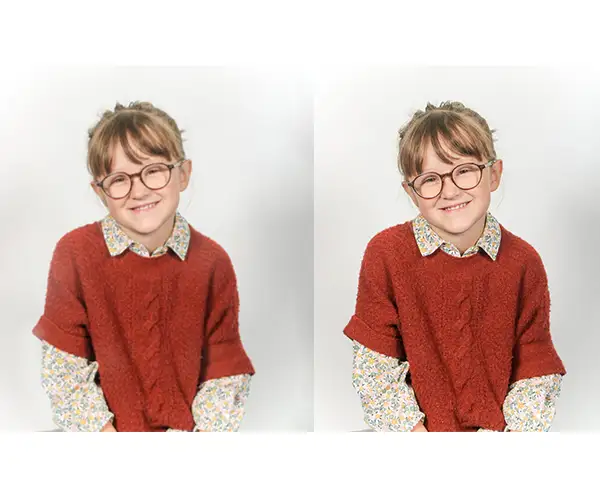
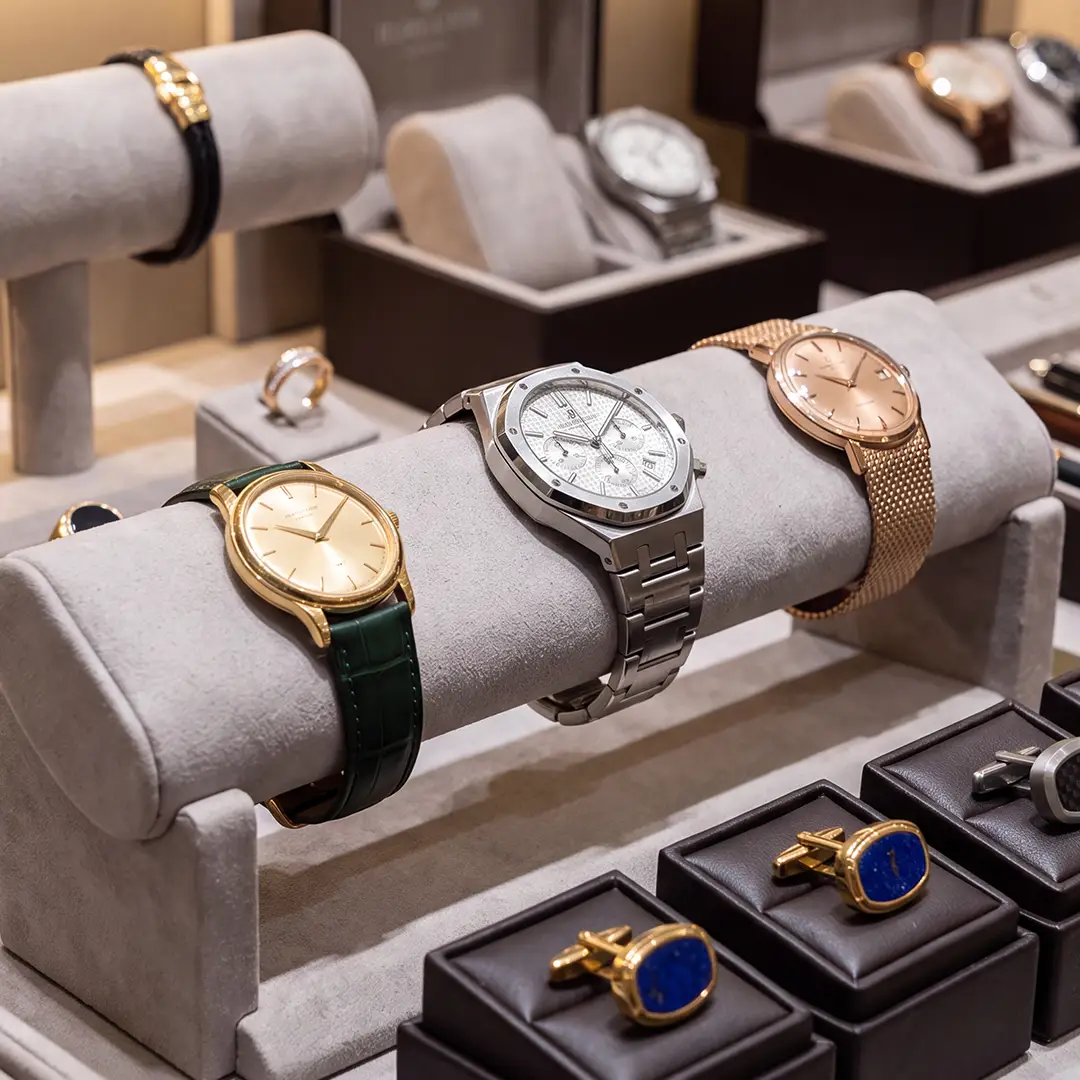
Real Before & After Examples
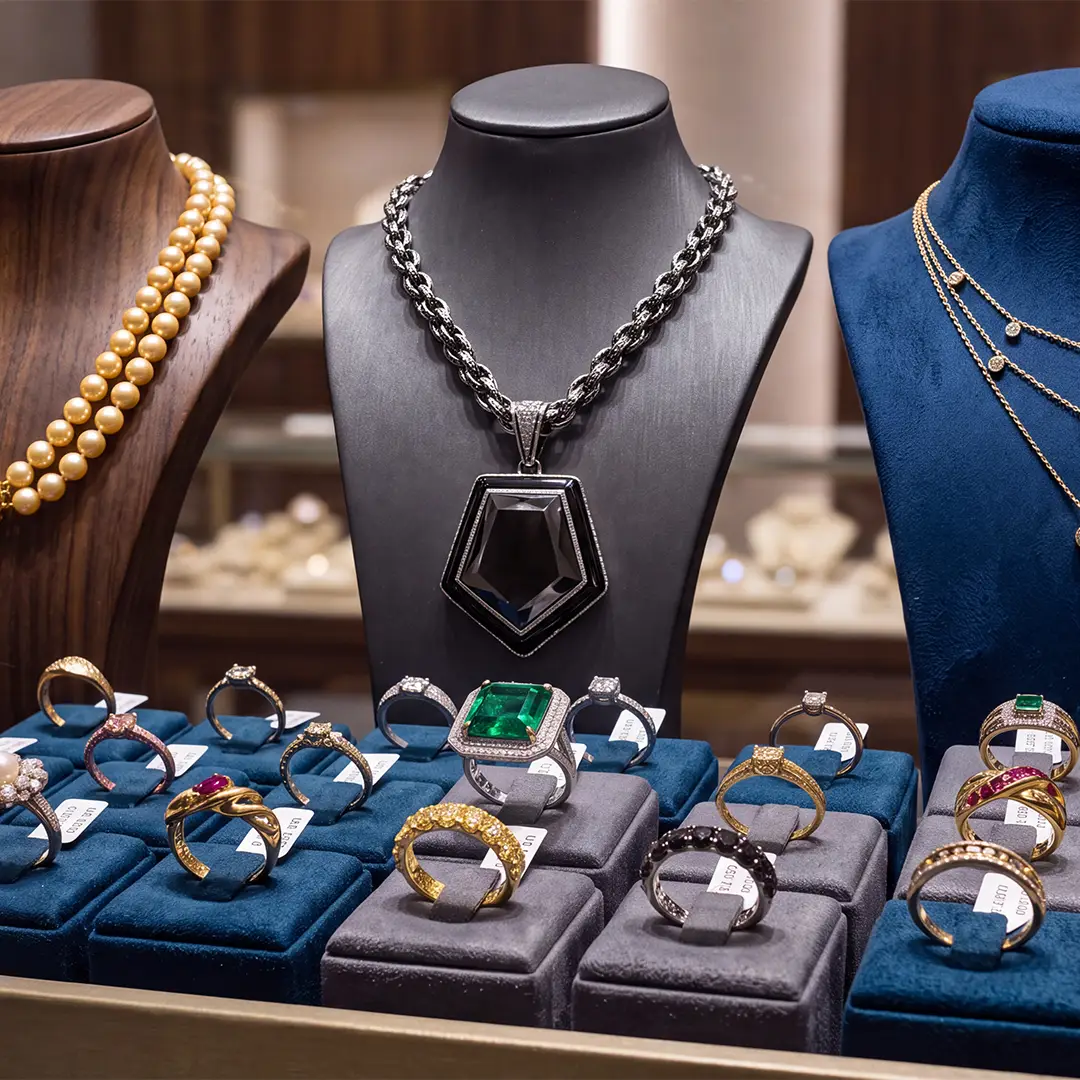
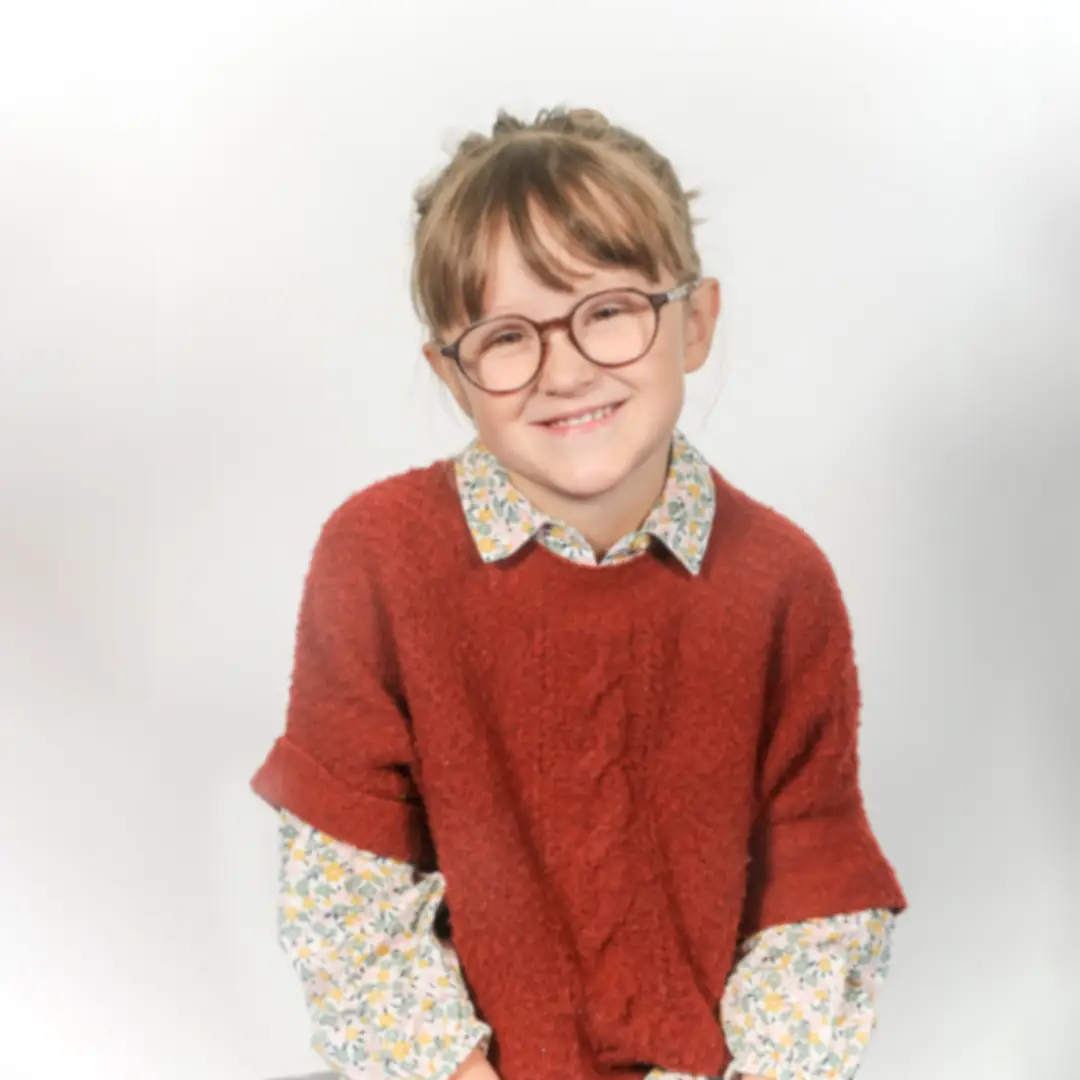
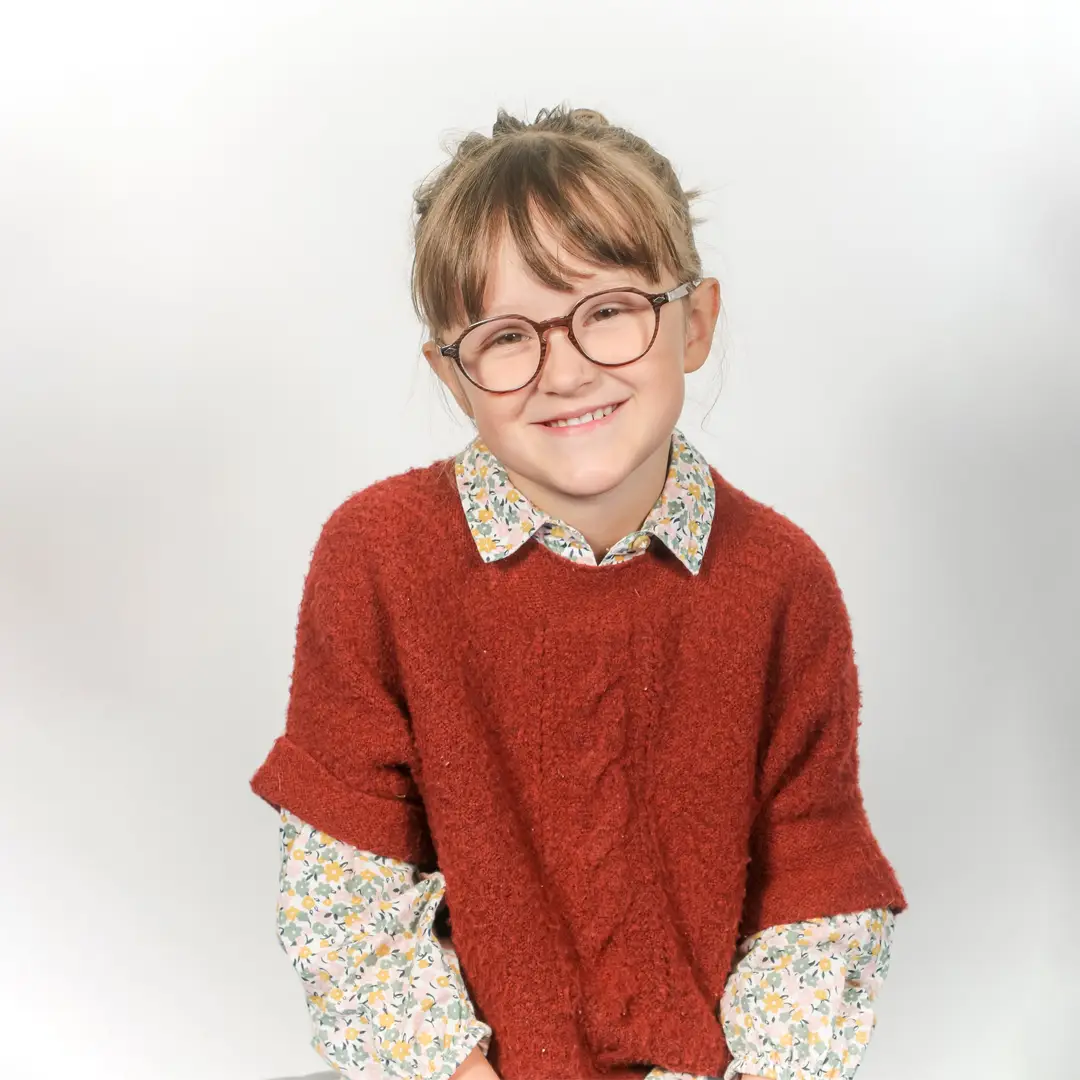
Actual image upscaling edits from our studio — sharper detail and resolution without an artificial, over-processed look.


Why Product Photos End Up Low-Resolution
Low-resolution photos usually have a simple, fixable cause.
Most product photos start on a phone camera or a basic point-and-shoot. The photo looks fine on a phone screen, but it only has enough detail for a small picture. When you try to make that photo bigger for a website banner or a print catalog, the lack of detail shows up fast — the edges get soft and blurry.
Auction houses and estate sale companies often work from old scans. Someone scans a faded print or a strip of film from years ago, and the scan itself is small and grainy. There is no way to go back and retake that photo, so the only option is to make the best of what the scan already has.
Supplier and factory photos cause the same problem. A manufacturer sends over a small catalog image, maybe 400 or 500 pixels wide, and that is the only photo of the product that exists. Brands end up stuck using that tiny file on a product page that needs a much bigger image.
Simply stretching a small photo to a bigger size does not add detail — it just spreads out the same few pixels over more space, which is why stretched photos look soft and blocky. Getting a sharp result means rebuilding the missing detail, not just resizing the file.
AI Upscaling vs. Basic Resizing
Not all upscaling works the same way.
Basic resizing tools, including the ones built into Photoshop or Canva, use math formulas like bicubic or Lanczos interpolation. These formulas look at the pixels that already exist and guess the color of the new pixels in between. It is a smart average, but it is still just an average — it cannot add detail that was never captured.
AI upscaling works differently. It has been trained on millions of real photos, so it recognizes what a sharp edge, a clean fabric weave, or a crisp metal surface usually looks like. Instead of just averaging nearby pixels, it rebuilds believable detail based on patterns it has learned, which is why AI-upscaled photos look noticeably sharper than a simple resize.
AI upscaling is not perfect on its own, though. Pushed too hard, it can give skin, fabric, or metal a strange, waxy, almost plastic look, or invent detail that was not really there. That is why every photo we upscale gets checked by a human editor, who dials back the effect where it looks fake and makes sure the final image still looks like a real photograph.
How Much Resolution Do You Actually Need?
The right size depends on where the photo is going.
Amazon’s zoom feature needs a photo that is at least 1000 by 1000 pixels. Below that size, shoppers cannot zoom in on your listing at all, which is one of the most common reasons sellers reach out to us for upscaling help.
Printed catalogs, packaging, and trade show materials usually need 300 DPI (dots per inch) to look sharp on paper. A photo that looks perfectly fine on a screen can look rough and pixelated once it is printed at that resolution, so the target size depends on where the photo will actually be used.
You do not need every photo to be huge. A massive, maxed-out file just means slower page load times and bigger storage costs, with no real benefit to the shopper. We size each photo to what the platform or print job actually needs — big enough to look sharp, not bigger than that.
Common Mistakes When Upscaling Photos Yourself
A few small mistakes separate a sharp result from a soft, fake-looking one.
Free online upscaling tools usually apply one default setting to every photo, no matter what is in it. That setting might work fine for a plain white background, and then make a mess of fine detail somewhere else in the same photo.
Small, detailed items suffer the most from a one-size-fits-all setting. Jewelry photos, for example, have tiny facets, prongs, and engraving that a generic upscaling tool tends to blur together into a smudge instead of sharpening.
Pushing the sharpening slider too high is another common mistake. It can make edges look harsh and crunchy while actually flattening softer texture, like the weave of a fabric or the grain of wood, into a flat, plastic-looking surface.
Upscaling also cannot fix a photo that was out of focus to begin with. If the camera missed focus or part of the product was outside the depth of field, no upscaling tool can invent detail that the camera never captured. For small products shot up close, focus stacking solves that problem at the source, before the photo ever needs upscaling.
Why Choose FixProductPhotos?
Free Trial, No Commitment
Upload a handful of your real photos and we’ll edit them the same way we’d edit your full order — no credit card, no contract, no pressure. You only pay once you’ve seen exactly what we can do with your own images.
24–48 Hour Turnaround
Most orders come back within 24 to 48 hours, even during busy seasons like holiday restocks. Need something sooner? Tell us the deadline and we’ll let you know if a rush turnaround is possible.
100% Satisfaction Guarantee
If an edited photo doesn’t look right, send it back and we’ll fix it — as many times as it takes, at no extra cost. We don’t consider an order finished until you’re genuinely happy with every image.
Dedicated Editing Team
Every photo passes through a trained human editor, then a second editor for quality control. We don’t run your images through a one-click filter and call it done — someone is actually looking at each one.
How It Works
Start Your Free Trial
Send us 3-5 sample photos through our free trial form. No payment info needed — we just want to show you what your images will look like after our team edits them.
We Edit It
A trained editor works on your photos by hand, then a second editor reviews every image before it goes back to you, so mistakes get caught before you ever see them.
Get Your Photos
Download your finished images in whatever format and size you need — ready to upload straight to your store, marketplace listing, or print file. Most orders ship back within 24 to 48 hours.
Frequently Asked Questions
How much can you realistically upscale an image without quality loss?
It depends on the source, but we typically get strong results up to 2–4x the original resolution.
Can you fix blurry or out-of-focus photos?
We can improve mild to moderate blur, though very out-of-focus originals have limits — send a sample and we’ll assess it in your free trial.
What resolution/DPI will I receive?
We deliver at the resolution or DPI your use case needs — web, print, or marketplace zoom — just tell us the target.
Does upscaling work on old or very low-quality source photos?
Yes, though results depend on the original quality — a free trial is the best way to see what’s achievable with your specific images.
Can this be combined with retouching in the same order?
Yes — upscaling is often paired with retouching or background removal in the same batch.
What’s the real difference between AI upscaling and just resizing a photo in Photoshop?
Basic resizing stretches the pixels you already have, which is why the result often looks soft or blocky. AI upscaling rebuilds missing detail based on patterns learned from millions of real photos, so edges, textures, and fine detail come out noticeably sharper.
Can you repair old scanned photos from auctions or estate sales?
Yes. We regularly upscale and clean up scanned film and aged prints for auction houses and estate sale companies, fixing fading, grain, and dust from the original scan while enlarging the image.
Will the upscaled photo look fake or over-processed?
Not if it’s done right. Fully automatic AI tools can sometimes give photos a waxy, plastic look, which is why a human editor reviews every image and adjusts the settings so the result still looks like a real photograph.
What resolution does Amazon actually require?
Amazon’s zoom feature needs images of at least 1000 by 1000 pixels. We upscale photos to meet that requirement, or larger, depending on the marketplace you’re selling on.
My photos were taken a few years ago on an old phone. Can you still fix them?
In most cases, yes. Send us a sample through our free trial and we’ll tell you honestly how much improvement is possible before you commit to a full order.
What DPI do you deliver for print catalogs?
We can deliver images at 300 DPI, which is the standard for printed catalogs, packaging, and trade show materials. Just let us know the print use case when you place your order.
Ready to See Your Photos in Full Resolution?
Send 2–3 raw photos and see our quality firsthand — no payment required.
Get 3 Free Trial Edits