
Ghost Mannequin Photography: The Complete Guide for Apparel Brands
November 1, 2026
Why Amazon Image Compliance Is Worth Getting Right
A rejected main image, a suppressed listing, or a buy box you can’t win are rarely about the product itself — they’re almost always about the photo. Amazon runs automated and manual checks on every image you upload, and a listing that fails those checks loses visibility long before a shopper ever sees it. If you sell on Amazon, getting your images right isn’t a nice-to-have; it’s part of your listing’s SEO and conversion rate.
Main Image Rules You Can’t Skip
The main (primary) image is the strictest of the bunch, and for good reason — it’s what shows up in search results and category pages. The core rules that apply across almost every category:
- Pure white background. That means RGB 255, 255, 255 — not off-white, not a light grey, not a soft gradient. Anything less and the image can be rejected or deprioritized.
- Product only, nothing else. No props, no hands holding the item, no packaging unless the packaging is the product, no extra accessories that aren’t included in the sale.
- No added text, graphics, watermarks, or logos. Even a small corner watermark from your own camera or a previous platform can trigger a rejection.
- The product should fill around 85% of the frame. Too much empty white space around a tiny product looks unprofessional and often fails the automated checks.
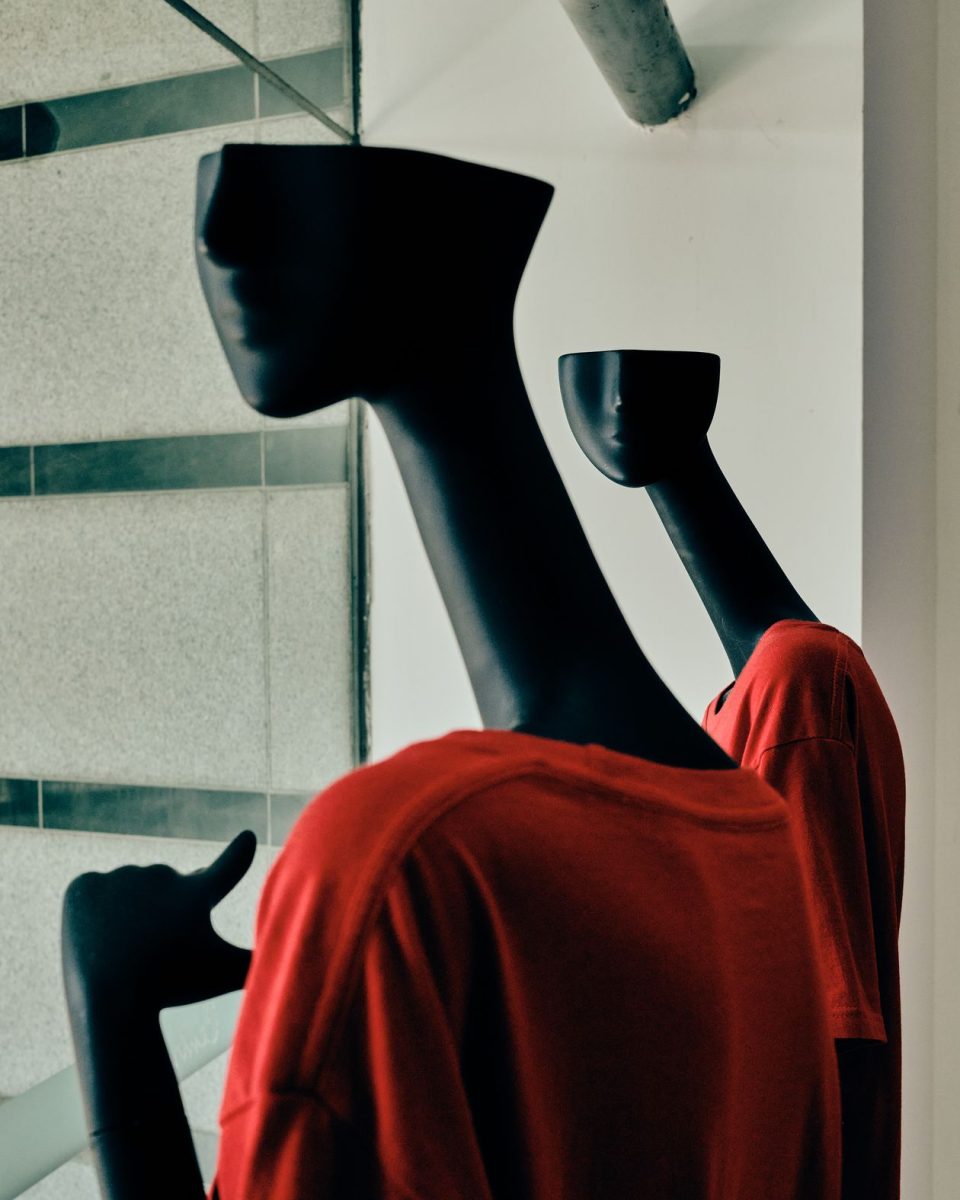
- Apparel on a model or ghost mannequin is allowed for most clothing categories — but a visible mannequin (not “ghosted” out) usually is not.
Technical Specs That Actually Matter
Beyond composition, Amazon has hard technical requirements:
- Minimum 1,000 pixels on the longest side so the image supports Amazon’s zoom feature — and frankly, 2,000×2,000px gives you a much safer buffer.
- JPEG (.jpg) is the safest, most widely accepted format, though TIFF and PNG are allowed in most categories.
- sRGB color space, no borders, and no rounded corners added artificially.
Low-resolution photos that pass the minimum size technically but look soft or pixelated when zoomed in still hurt conversion, even if they don’t get rejected outright.
Secondary & Lifestyle Images Have More Freedom
Images 2 through 9 are where you get creative room. These can include lifestyle shots, scale references, infographics, size charts, and callout text in most categories — all things that are explicitly not allowed on the main image. A strong secondary image set typically includes: a few straight product angles, one or two lifestyle/in-use shots, a close-up on texture or detail, and an infographic covering dimensions or key features.
Why Listings Get Rejected (And How Editing Fixes It)
In our experience editing thousands of marketplace images, the same handful of issues keep coming up:
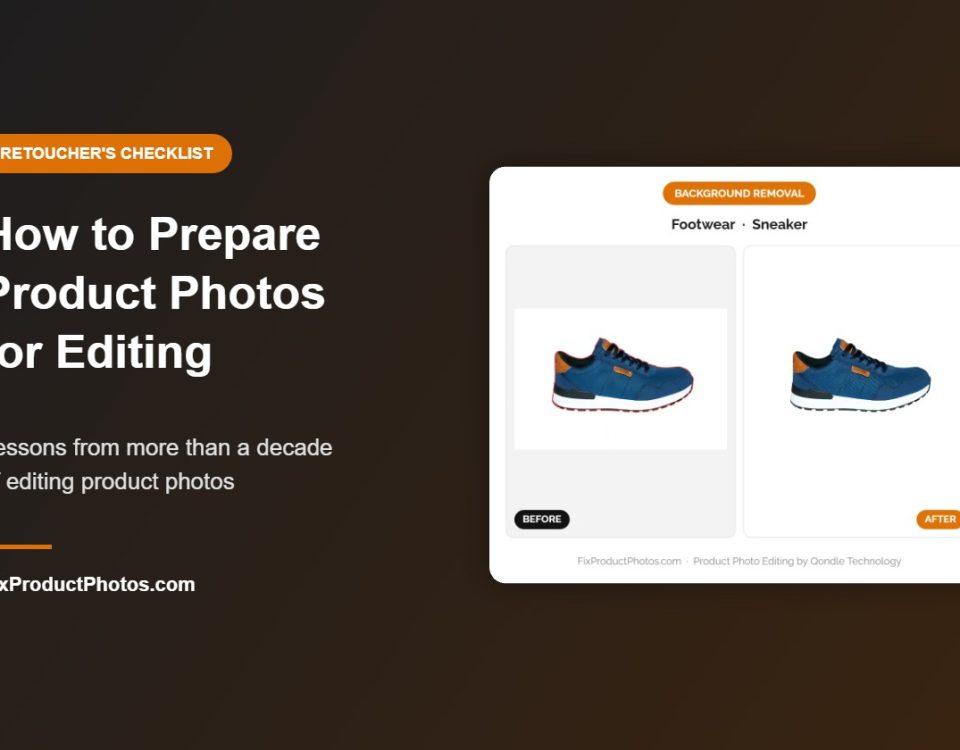
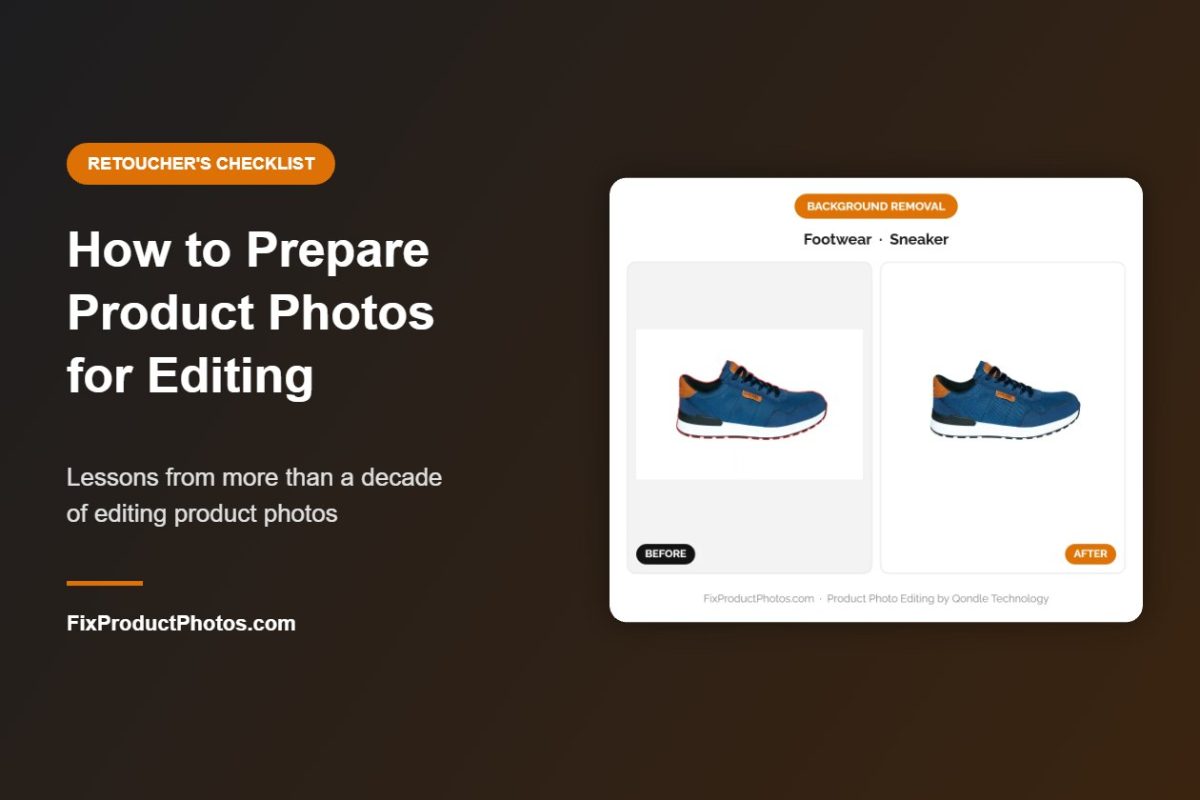
- Background isn’t actually pure white once you check the RGB values — a precise background removal & clipping path edit solves this cleanly without harsh, cut-out-looking edges.
- Apparel shot on a visible mannequin instead of using the ghost effect — this is exactly what ghost mannequin editing is for.
- Images that were shot correctly but came out of the camera at too low a resolution for zoom — upscaling can recover usable detail without the photo looking artificially sharpened.
- Shadows, props, or a stray reflection creeping into the frame that needs retouching out before upload.
None of this requires a reshoot. A professional photo editor can take photography that’s 90% there and get it fully compliant — usually within a day or two, at a fraction of the cost of restaging a shoot.
Not sure if your current images will pass? Send us 3 photos and we’ll edit them free, no commitment.